111
4
Supported Software
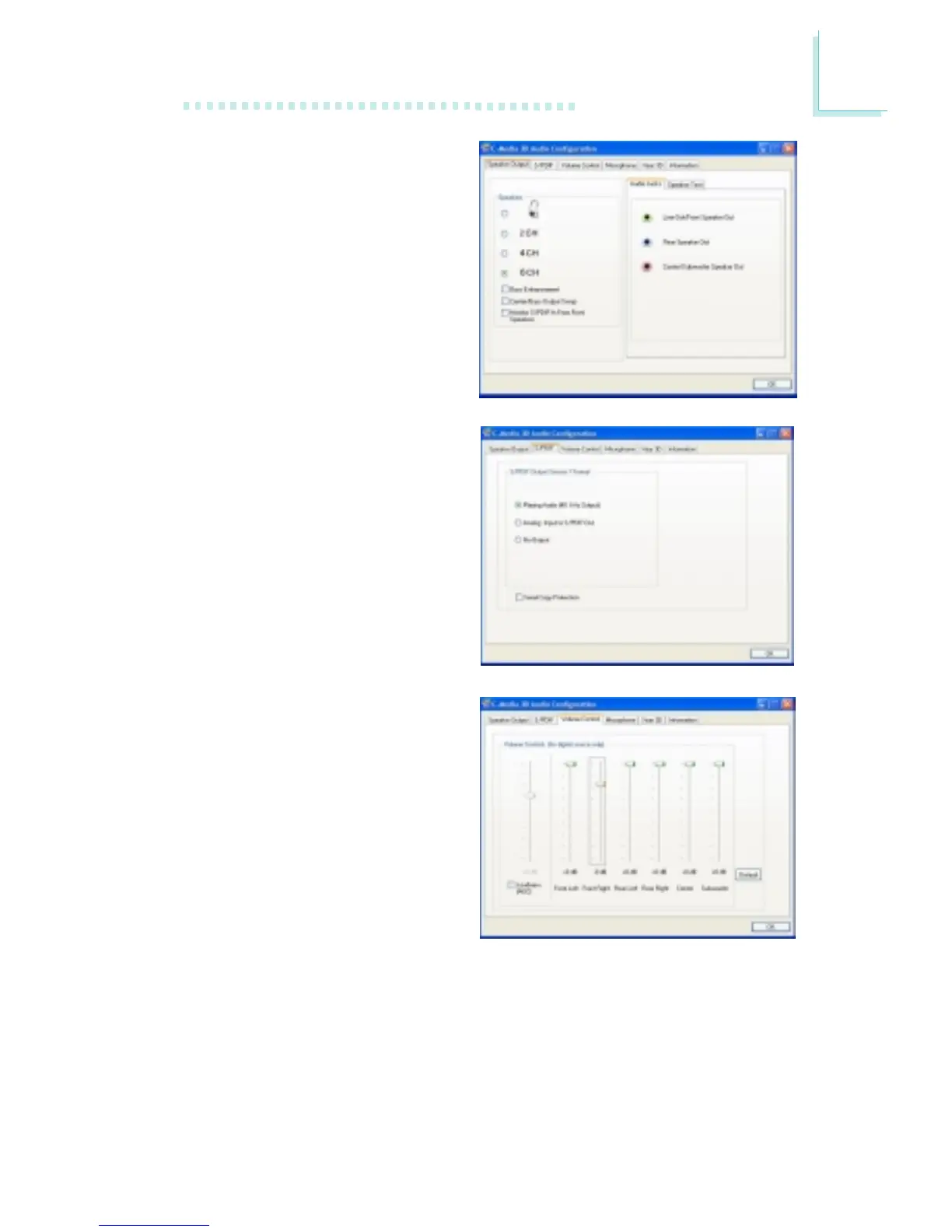
Speaker Output
When you open 3D Audio
Configuration, the default
screen that appears is the
Speaker Output. This is
where you will configure
analog output settings to
speakers.
S/PDIF
This panel is used to
configure S/PDIF output
which provides a low-
distortion digital data
transfer between audio
devices.
Volume Control
This panel provides digital
volume control for all 6
channels. You can regulate
each volume to the speaker
when playing digital sound
sources.



 To Next Page