A
Enabling Hyper-Threading Technology
115
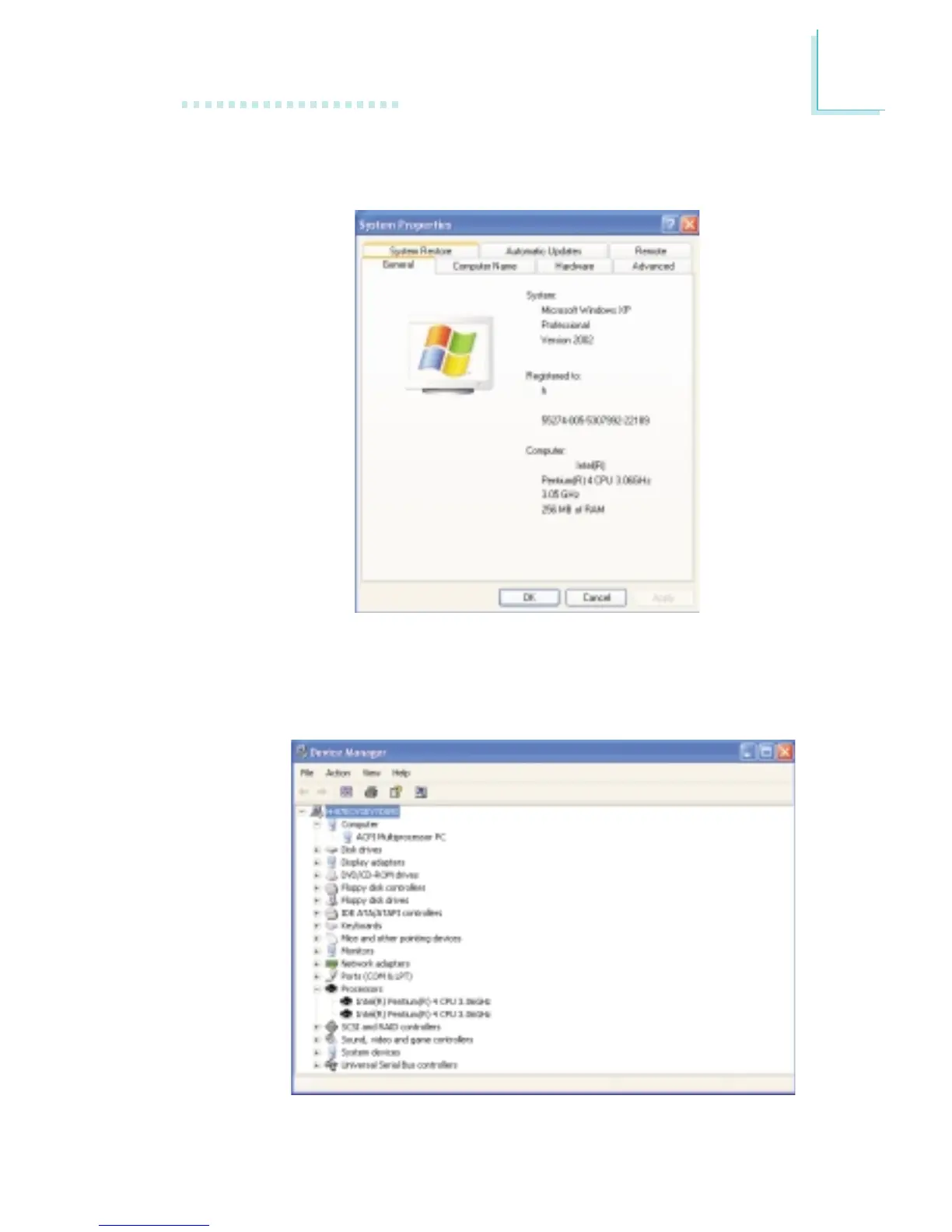
d. Now click the Hardware tab then click Device Manager. The
items shown under Computer and Processors should
resemble the ones shown below.
c. Click the General tab. The processor shown under Computer
should resemble the one shown below.



 To Next Page