Warning
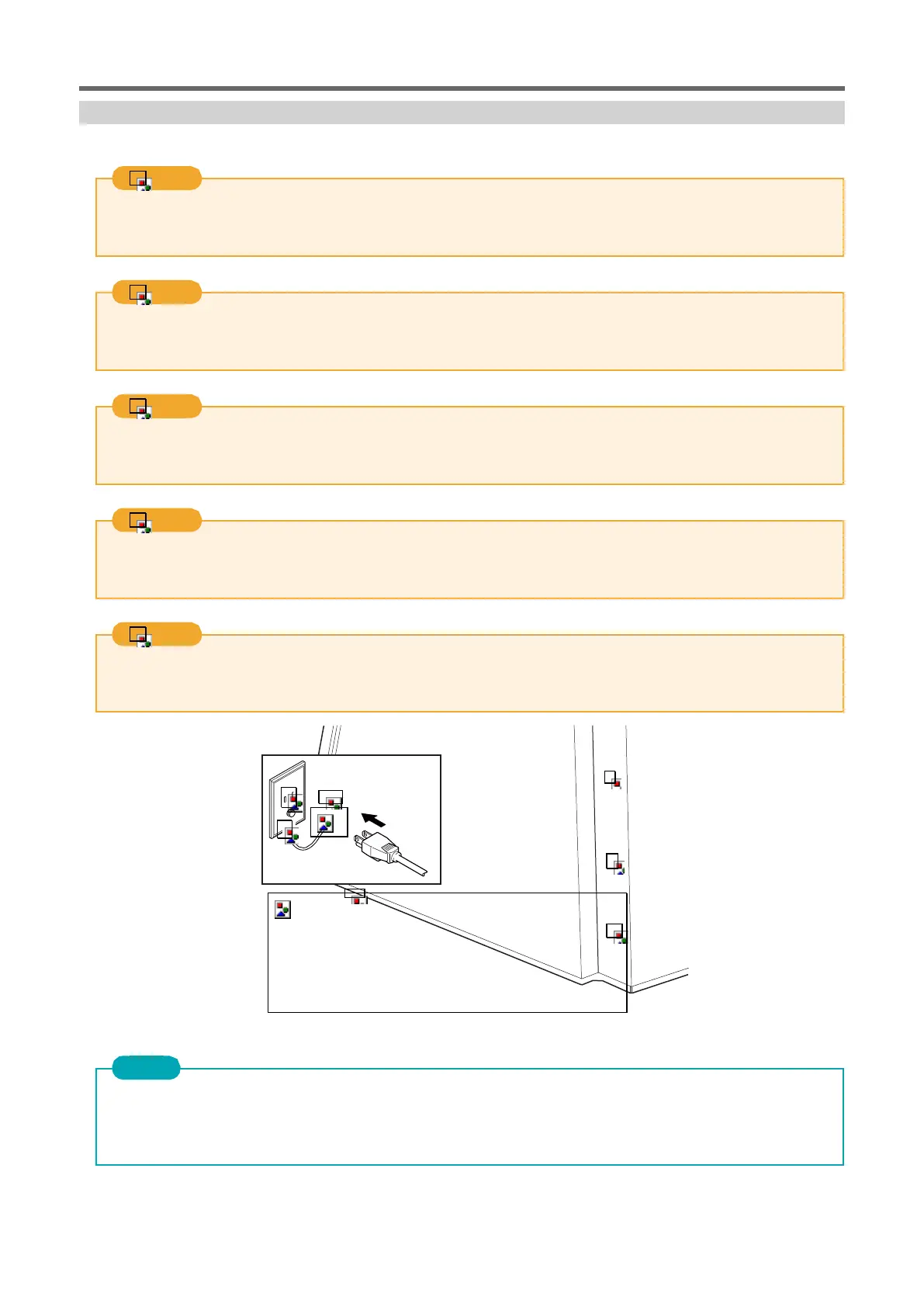
Connect to an outlet that conforms to the ratings (voltage, frequency, and current) of the unit.
Incorrect voltage or insufficient current can lead to fire or electric shock.
Warning
Handle power cords, plugs, and outlets correctly and with care. Do not use damaged items.
Damaged items may cause fire or electric shock.
Warning
Use an extension cord or table tap that is more than the rating (voltage, frequency, current) of the power supply.
Takofu wiring or long extension cords may cause a fire.
Warning
Connect to ground.
Prevents fire or electric shock in the event of electric leakage due to malfunction.
Warning
Connect to an outlet. Do not connect directly to fixed wiring equipment such as a distribution board.
In the unlikely event, there is an increased risk of fire or electric shock.
Important
2 Aircraft ID change is required for subsequent connections.
1 When connecting two or more units of this unit to a single computer, be sure to follow the procedure described
in "Connecting multiple units". If you connect without changing the ID, you may not be able to use it.



 To Next Page