Important
•
Connection settings are made one by one. Be sure to connect only the aircraft to be set. Connecting the
same ID at the same time may cause the computer to shut down or prevent the driver from being
installed.
•
Use only USB cabling that came with the camera.
•
When connecting a conversion cable, prepare a separate USB cable of 3m or less in total including the
conversion cable. If the total length of the cable exceeds 3m, a malfunction may occur.
•
Do not use USB hubs. You may not be able to connect.
2 This setting method is for connecting more than one aircraft of the same model to a single computer. Up to four units can be
connected.
Before connecting multiple aircraft, distribute the IDs (A to D) that are different from those of the other aircraft one
by one and set them accordingly. This ID allows each aircraft to be distinguished.
Registering another aircraft
Procedure
1.
Displays VPanel.
P. Show 39VPanel
2.
Power down the connected aircraft and disconnect USB cabling from the computer.
3.
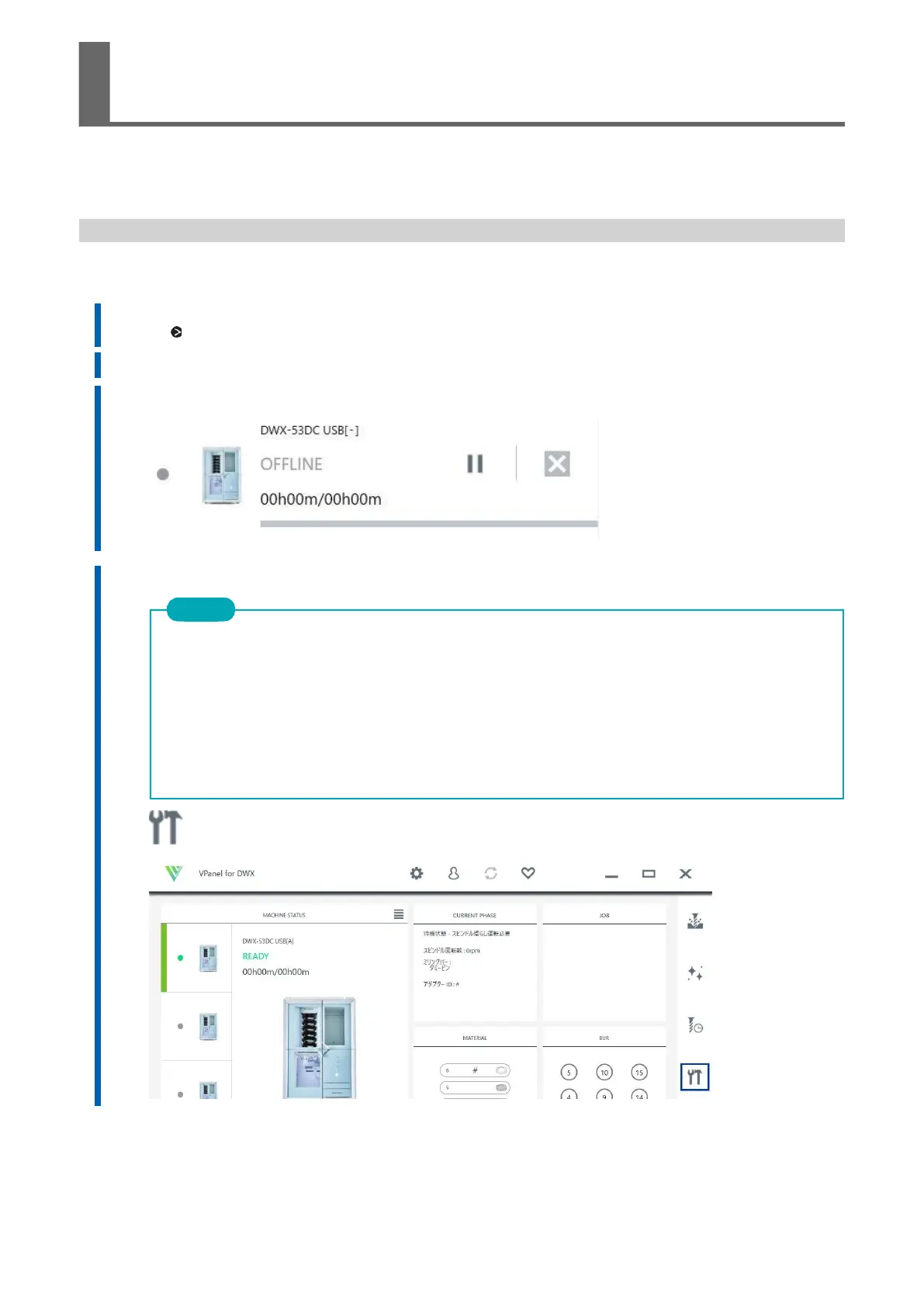
Check that the [MACHINE STATUS] icon is gray and [OFFLINE] is displayed.
4.
Turn on the power of the newly connected aircraft and connect USB cabling to the computer.
5.
Click OK.



 To Next Page