Correcting the cutting position automatically
This function compares the value calculated from sensors, etc. with the actual value, and corrects the position of the workpiece
zero point, etc.
Necessary items
1.
Attaching the Detection Pin
Procedure
1.
Remove any dirt, etc., around the clamp.
2.
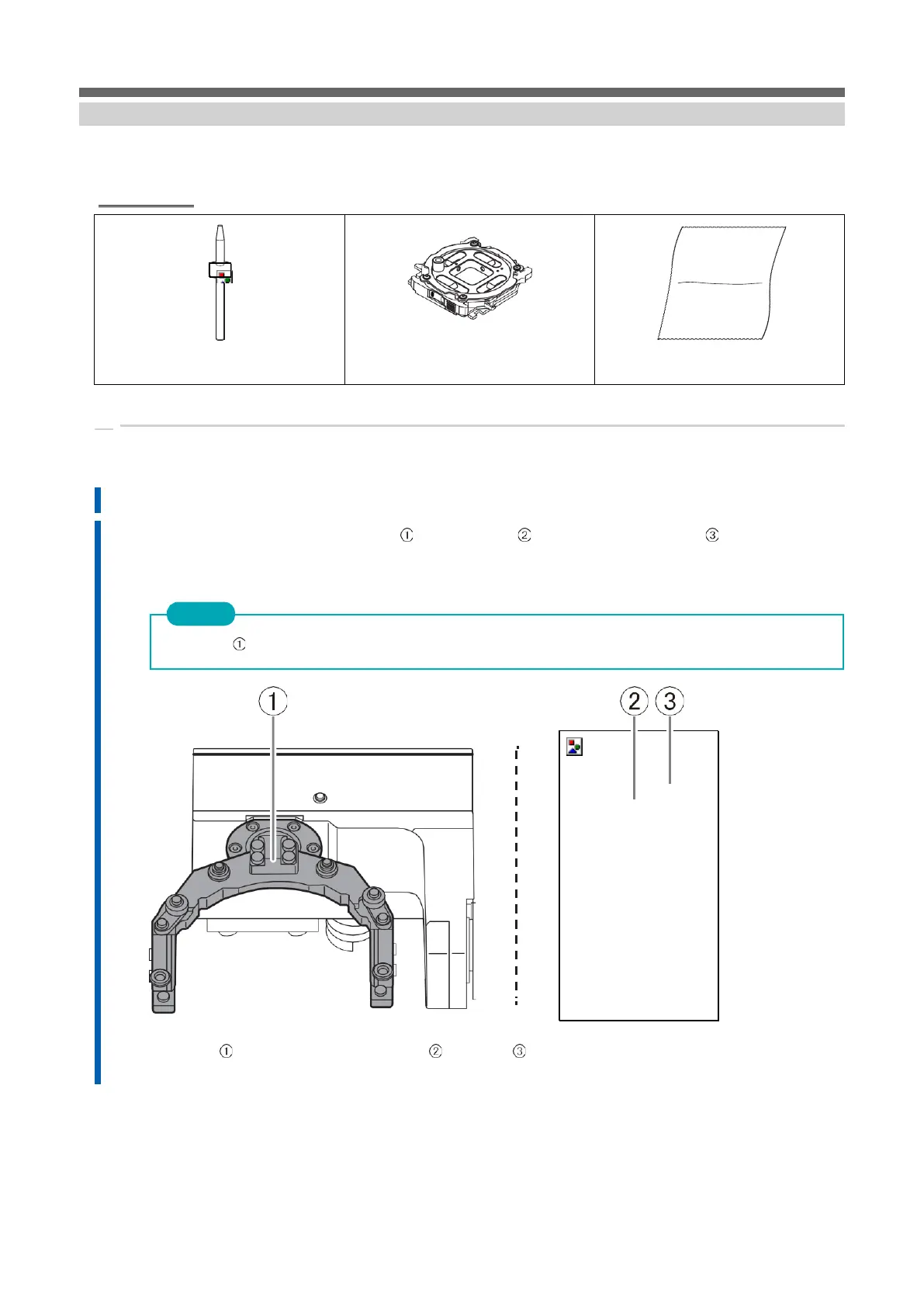
Wipe off any dirt from the clamp (), correction value projection () and milling bar sensor-() with a cloth for cleaning the
accessories.
Correction may not be performed properly if stain is adhered.
3.
Wipe off any dirt from the detection pin () and the front () and back () of the automatic correction tool.
Clean the gray area in the figure below. Correction may not be performed properly if stain is
adhered.



 To Next Page