NOTE
VPanel sends an e-mail to inform you when machining is finished or an
error occurs.
If you click in the upper right corner of the main window, a task tray
will appear.
Show VPanel
VPanel plays an active role as permanent software
VPanel is used as a permanent software that operates constantly to manage the machine body and send e-mails. We
recommend that you set your VPanel to start automatically when you start up your computer.
•
[Mail] tab
•
General tab
From the Task tray
Procedure
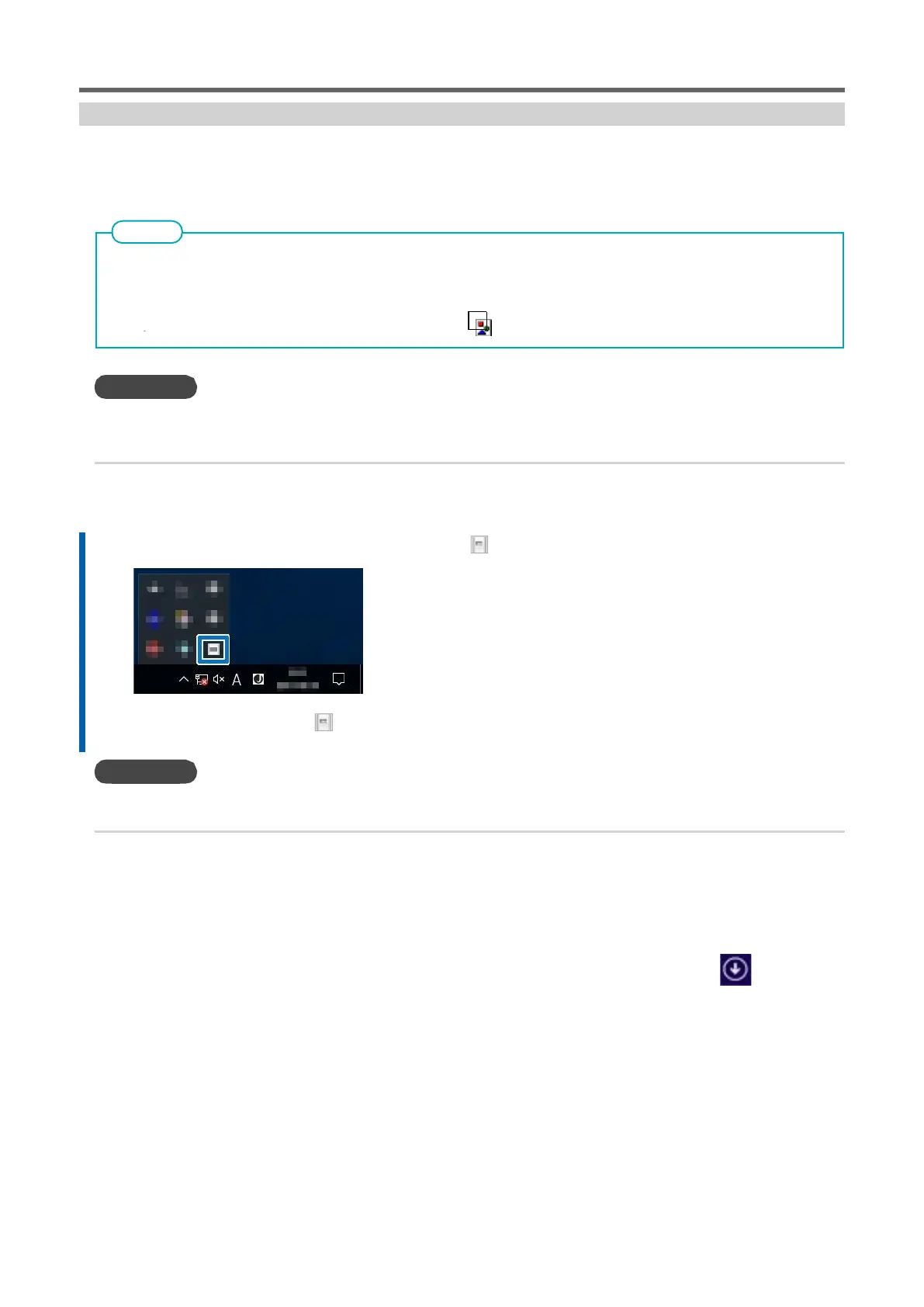
1.
Click (VPanel icon) in the notification area of your desktop.
The main window of VPanel is displayed. If there is no task tray, start it from the [Start] window (or
[Start] menu) on Windows.
•
P. 39 "Starting Up From the [Start] Menu (or [Start] Window) on Windows "
Start up from the [Start] menu (or [Start] window) of Windows.
•
Windows 11
Click [Start] > [All apps], and click [VPanel for DWX] from [All apps].
•
Windows 10
From the [Start] > [All Apps] menu (or [All Programs]) [VPanel for DWX]>[VPanel for DWX].
•
Windows 8.1
Click on the [Start] window, and click the [VPanel for DWX]>[VPanel for DWX] icon on the application window.



 To Next Page