Important
Do not set duplicate IDs. Connecting the same ID at the same time may cause the computer to shut down
or prevent the driver from being installed.
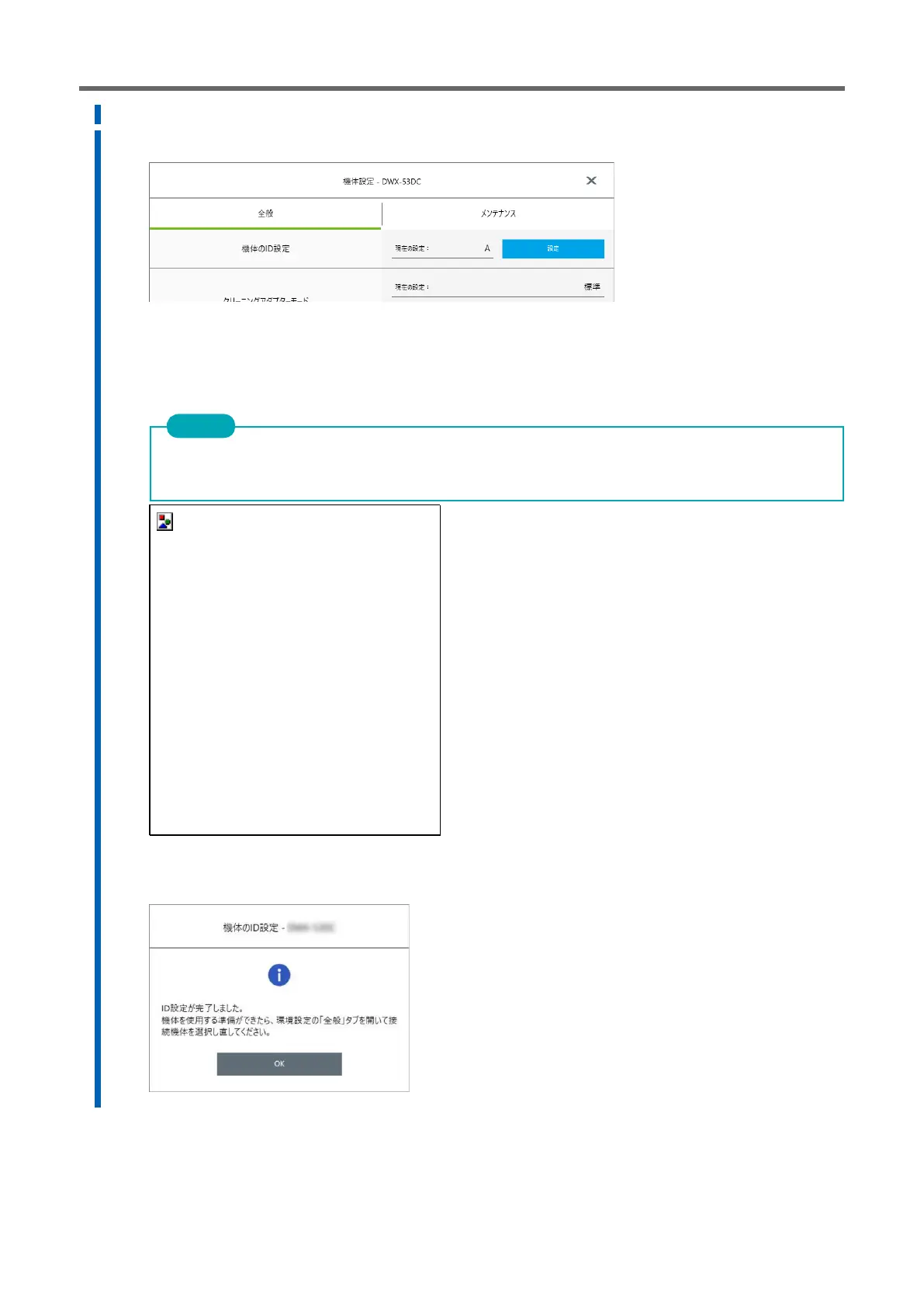
The [DWX-53DC Aircraft Sets] window appears.
6.
Click [Settings] in [Aircraft ID Settings] on the [General] tab.
The [ID Settings-DWX-53DC] window appears.
7.
Select an ID that is not used, and then click [OK].
By default, all aircraft IDs are set to [A]. 1 Since the eye is [A], be sure to select one of [B] to [D] for the second and
subsequent units.
8.
When the following window appears, click [OK].
The instrument rebootings and the driver corresponding to the aircraft with the new ID is automatically installed.



 To Next Page