Important
You can connect all set aircraft to your computer with USB cabling. If you connect the aircraft with the
same ID at the same time, the computer may shut down.
9.
Rebooting VPanel.
a.
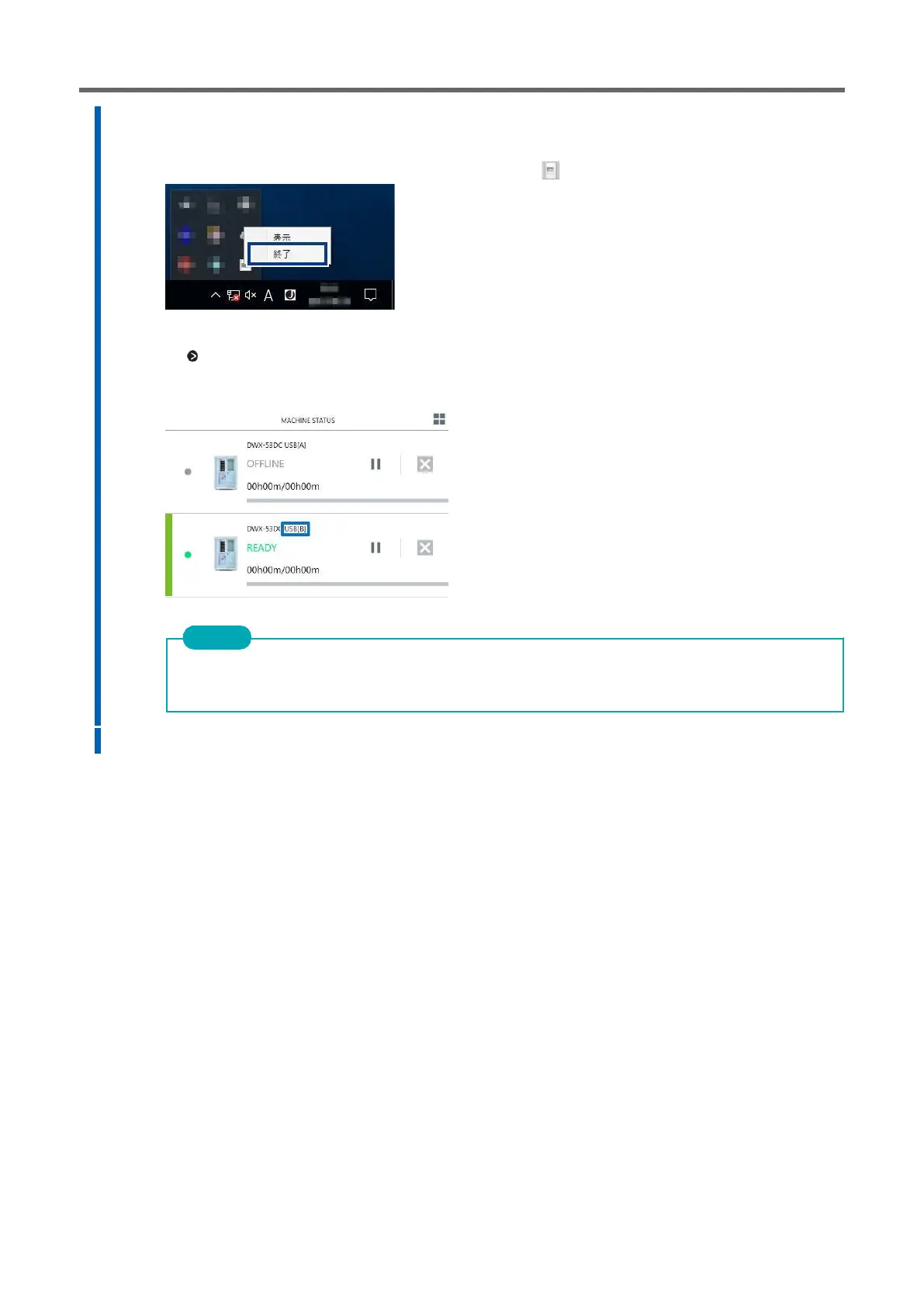
Exit VPanel.
Right-click the icon in the task tray, and click [Finish].
b.
Start VPanel.
P. Start up from the [Start] menu (or [Start] window) of 39Windows.
The ID you set is now valid. Make sure the aircraft is added to [MACHINE STATUS]. Check that the ID set on
the main screen is displayed.
10.
3 Repeat steps 2 to 9 to connect the first and fourth aircraft.



 To Next Page