The changed name is displayed on the main screen.
•
P. 44 "Switching Aircraft Operated by VPanel "
Changing Images of the Aircraft Displayed on VPanel
Procedure
1.
Displays the main window of VPanel.
2.
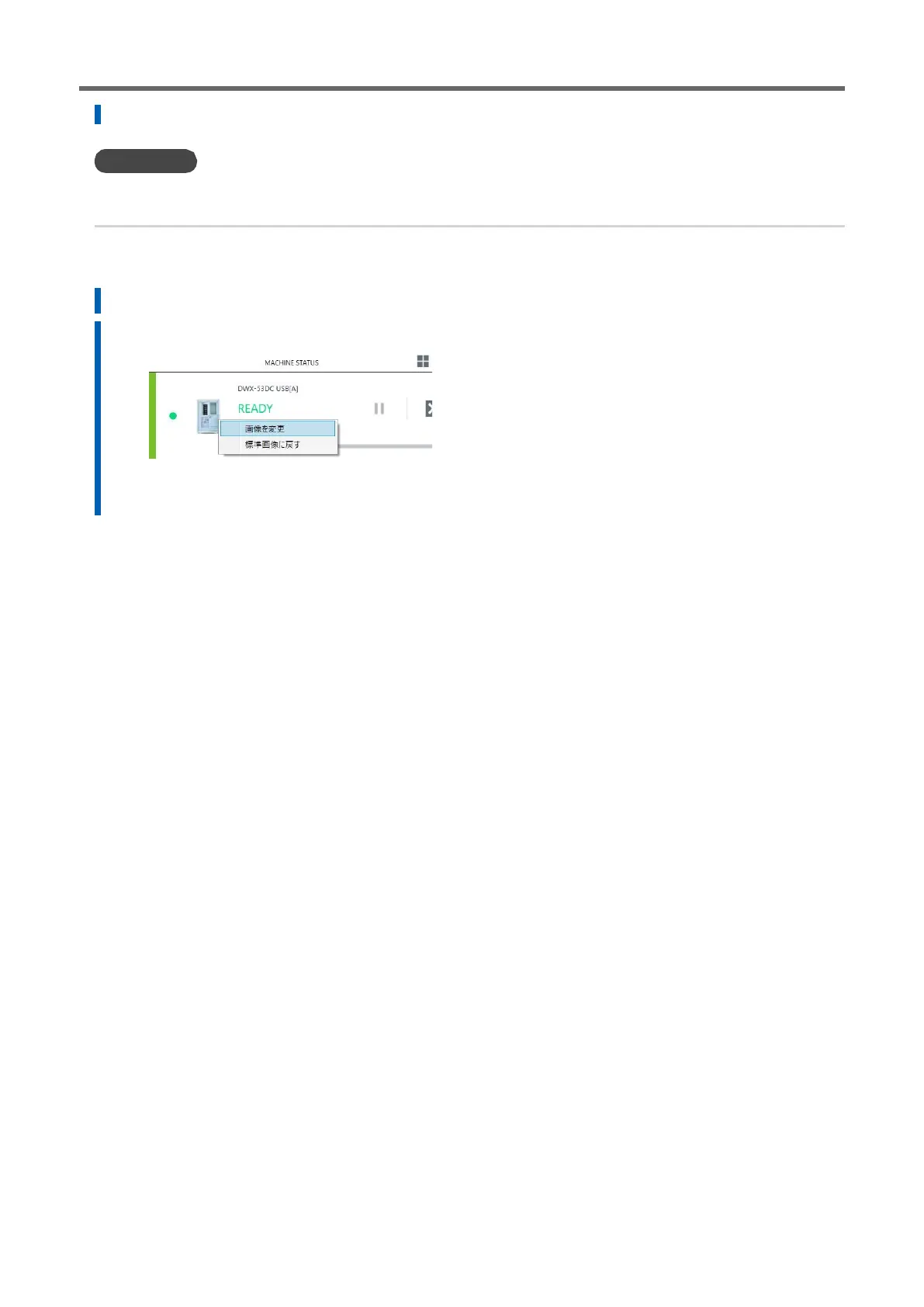
Right-click the image of the aircraft displayed in [MACHINE STATUS], and then click [Change Image].
3.
Select the image file to be displayed on the [Open] screen.
The changed image is displayed on the main screen.



 To Next Page