1 Introduction
ECO 9099 SOP05-5090F Rev.00 Effective Date: 12/20/18 Page 24 of 58
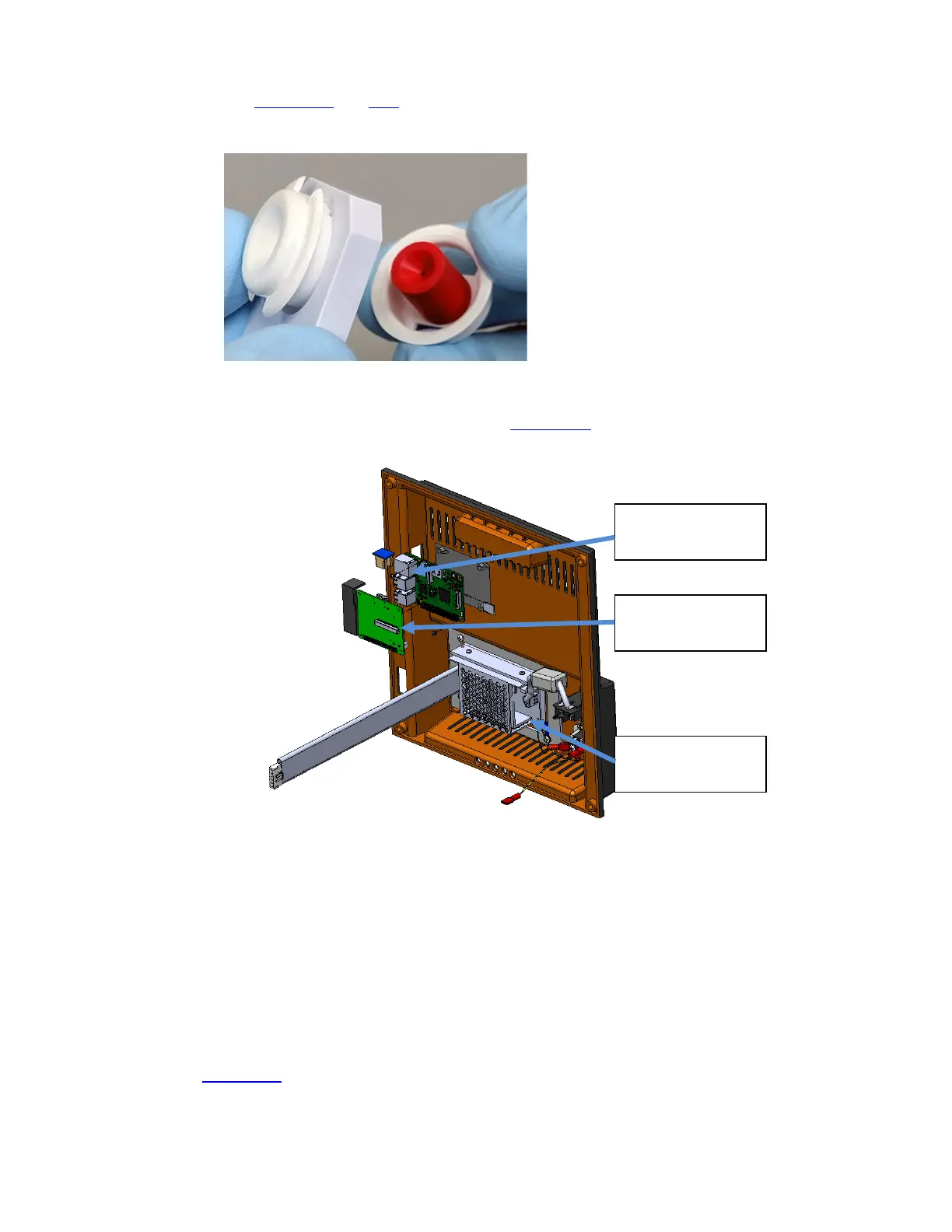
2. Press the two plastic tabs on the fill port to allow removal of the fill port from the fill port
holder. (Figure 1-26 and 1-27
)
Figure 1-27 Fill Port Removed from Holder
To remove the aspiration assembly Rear Panel (Figure 1-28) which contains the Power Supply,
Power Inlet Module, USB and Ethernet connectors must be removed first
Figure 1-28 Rear Case with Connectors, Power Supply
1. Ensure power is off before proceeding.
2. Disconnect RS232 cable if attached.
3. Disengage the 4 screws in the corners of the back case.
4. Move the back case a few inches away from the chassis.
5. Disconnect cables and wires so that the rear case can be separated from the front case.
(Figure 1-29
)
a. Disconnect the communication ribbon cable from the Communication Board on the
back panel leading to the Display Board.
Ethernet. USB Ports
Com Board Ribbon
Cable connector
Power Supply



 To Next Page