OPERATOR’S MANUAL
PM300, PM332, PM400 Planter Monitors
11001-1372-201702 Rev B
KEY FUNCTIONS / 15
KEY FUNCTIONS
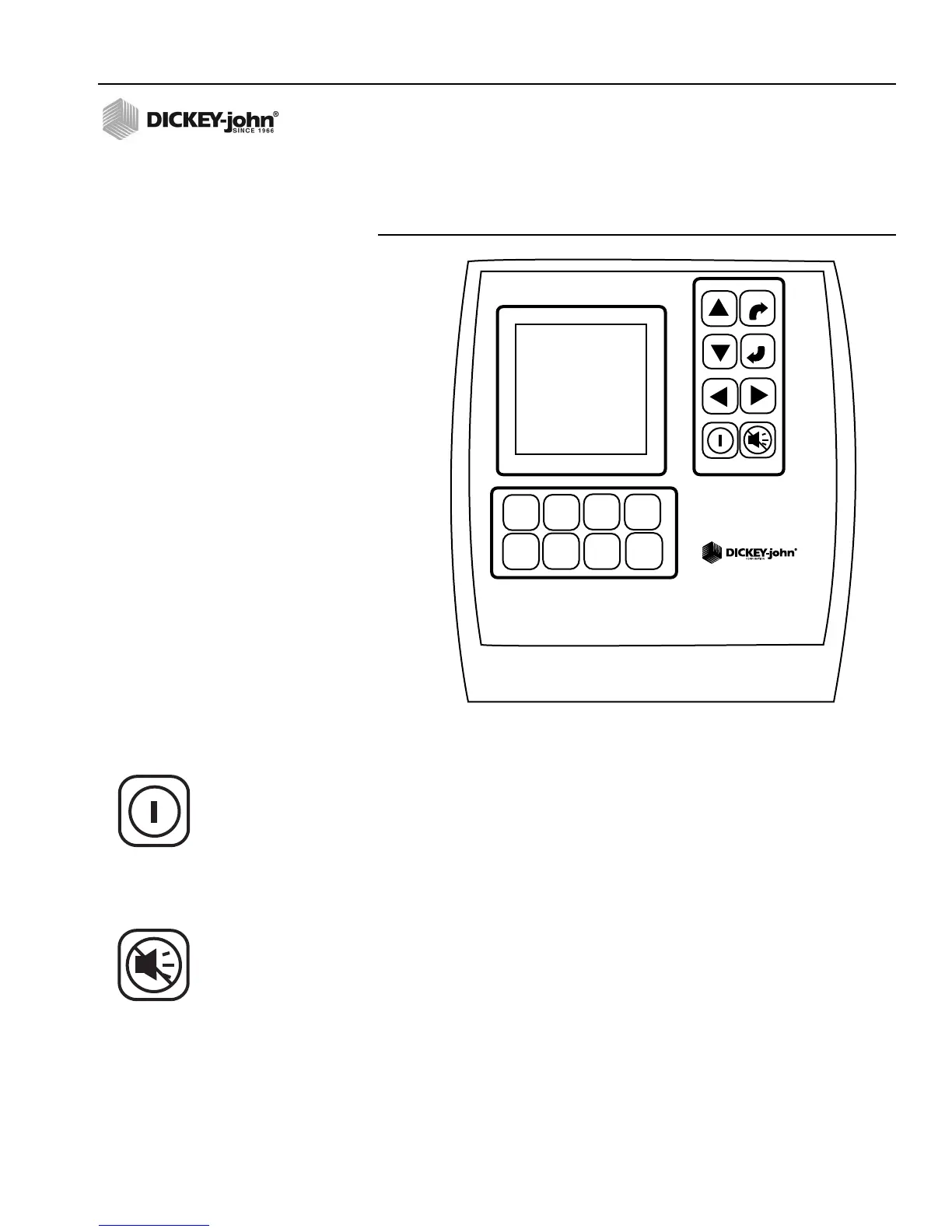
Figure 8
Keys
ON/OFF KEY
The On/Off key activates the unit. During power up, the monitor performs
internal self-tests, illuminates the display, sounds the alarm, and determines
which sensors are connected to the system. Pressing and holding the key
for one second when the power is ON will turn the power OFF, independent
of the screen being displayed.
ALARM CANCEL KEY
During normal operation, selecting the Alarm Cancel key acknowledges
the alarm condition displayed on the screen. Active row alarms are reset
after an ALL ROWS FAILURE condition or a power down-up sequence
occurs. If the error condition continues, the key must be selected again to
cancel the alarm. When no alarms are active, the volume may be modified
by selecting and holding the Alarm Cancel key.
PMXXX
ENTER
ESCAPE
ACCY
SETUP
DISPLAY
&
SERVICE
GROUND
SPEED
SETUP
LIMITS
SETUP
OPERATE
PLANTER
SETUP
SPEED
AREA
MODE
SEED
COUNT
MODE
On/Off key
Alarm Cancel key



 To Next Page