17
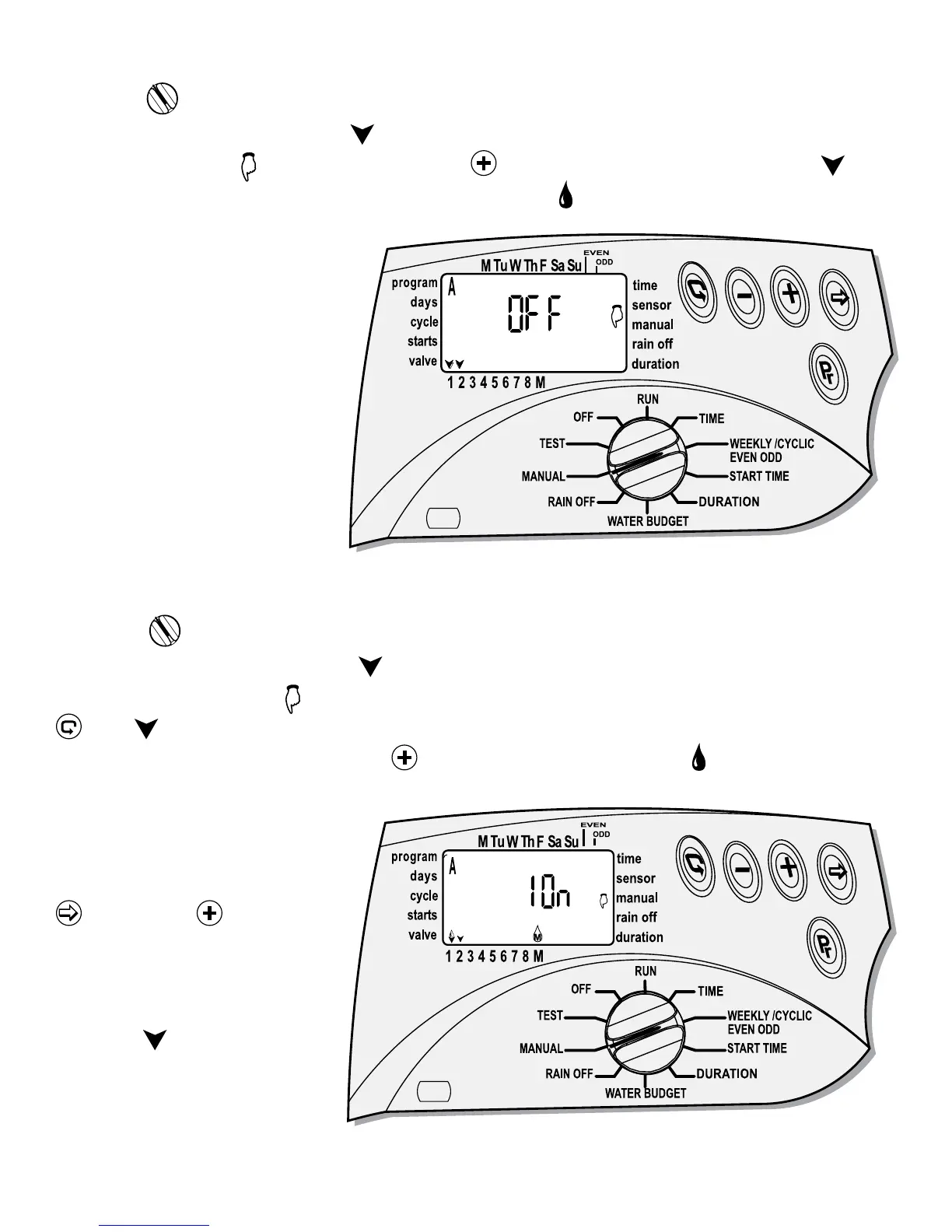
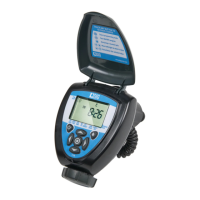
Option 1: Open all the valves via the MANUAL using one of the programs.
Turn the
to MANUAL mode.
Program A appears first with
above the valves operates by the program with the
word OFF and the
icon. To open press , the word ON will appear and a will
appear above the first valve, a few second later a
will appear if the master valve
is active. Valve one will open
and next valve will follow one
after the other.
Option 2: Open one valve via the MANUAL.
Turn the
to MANUAL mode.
Program A appears first with
above the valves operates by the program with
the word OFF and the
icon. To open a specific valve in the program, first press
, the above first valve is blinking and the program duration for the valve will
appear. To open valve # 1, press
, the valve will open and a above the valve
number, the word ON and
the valve # appears a second
later. To skip valve # 1 and
open the second valve press
and press to open
valve # 2. Repeat the steps
for other valves. If master
valve is active, it will open
and will
appears above
the master valve.


 To Next Page