7
7. CONNECTING THE BACKUP BATTERY
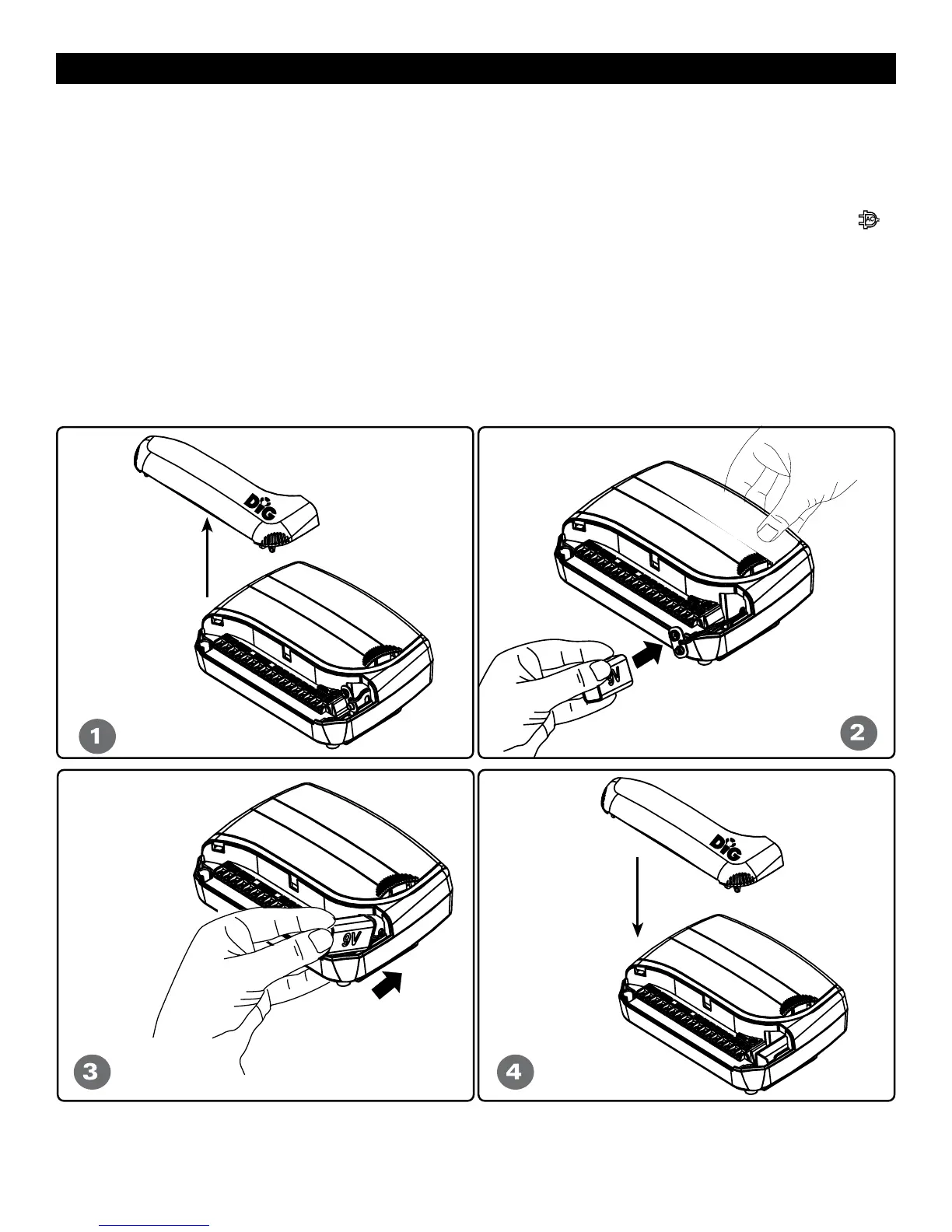
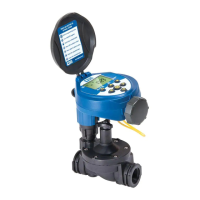
• Remove the cover. (see # 1)
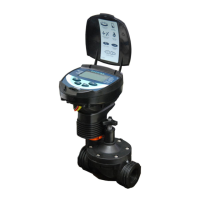
• Pull out the 9-volt battery clip wire found on the right side of the controller.
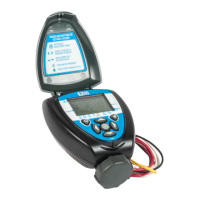
• Insert the 9-volt alkaline battery into the clip. (see # 2)
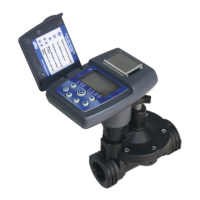
• Insert the battery into battery compartment and replace the cover. (see # 3-4)
The dial selector is on OFF and the screen display will show OF:F blinking and an AC icon
if the transformer is not plugged into the wall socket.
NOTE: The battery is intended for irrigation program memory backup only. During
electrical outages the program will not be erased, however, valves will not operate.
The controller can be programmed with the use of the battery.


 To Next Page