HI, MI, WI-700 service manual - 4 –servicing
4-121 Issue 9 04/2020
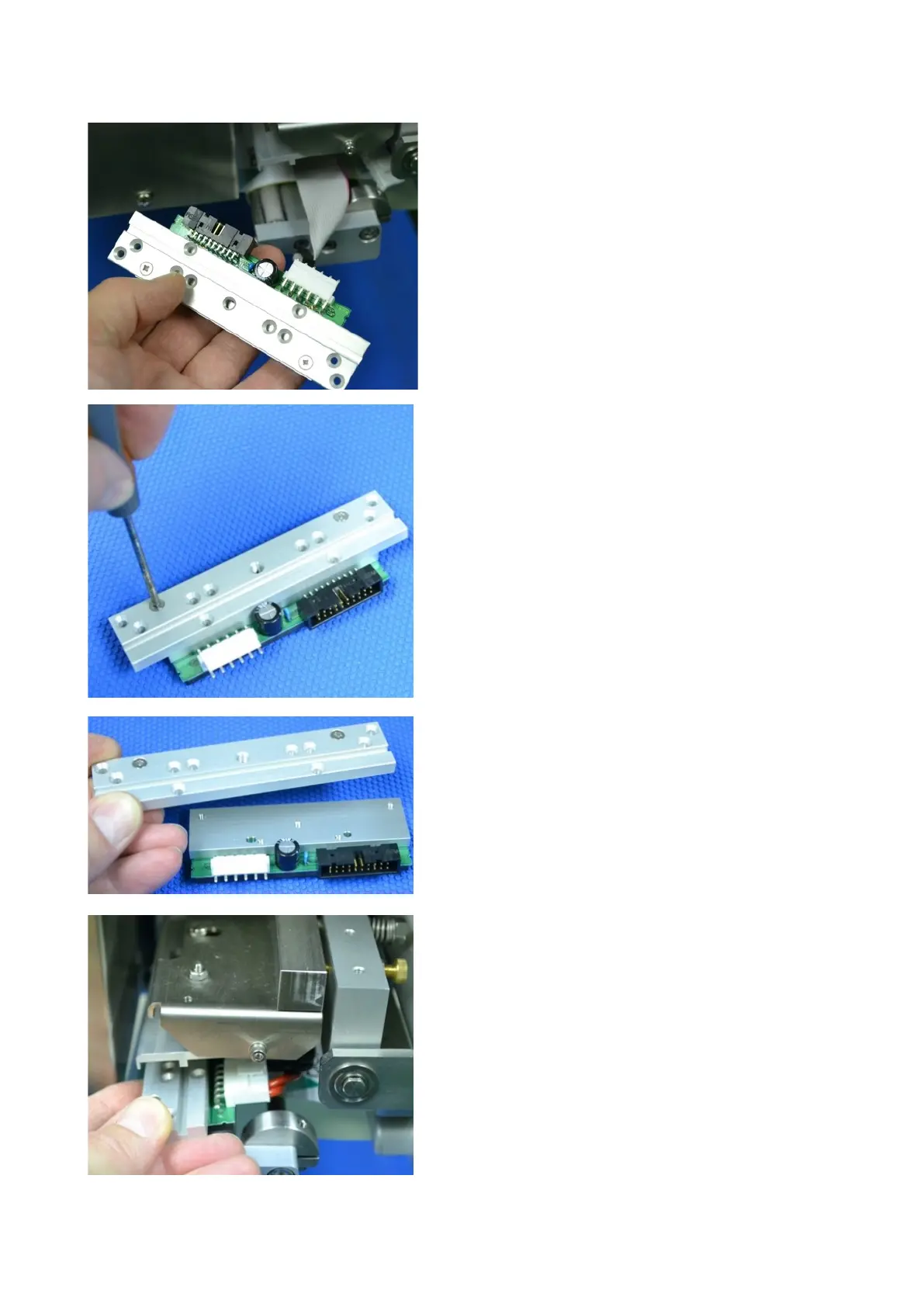
Disconnect the two cables on the thermal head
The mounting bracket fixed to the thermal head can
now be removed. Un-screw the two fixing screws
holding the bracket to the head. The bracket is reused
on the new thermal head.
Replace bracket onto the new thermal head
Re-connect the power and ribbon cables.
Re-fit the head into the machine and fix in place with
the single fixing screw.
Once the head is in place, ensure the position and
pressure is correct to obtain acceptable print.



 To Next Page