HI, MI, WI 700 service manual - 1 - Installation
1-20 Issue 9 04/2020
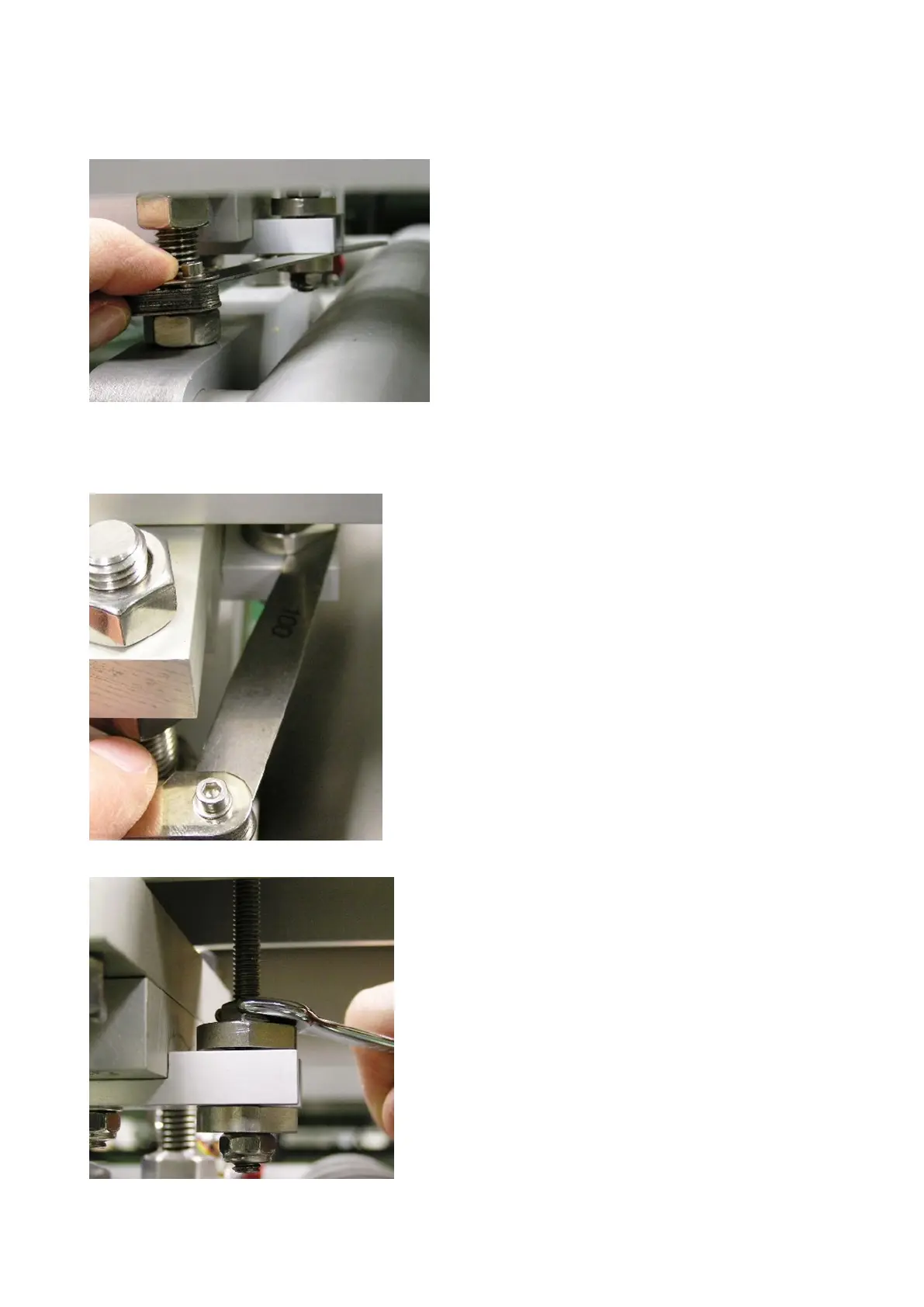
Set lower disc gap
With no load on the scale conveyor, adjust the disc to
obtain a 1mm gap between the disc and the under-
load bottom block.
Note: to keep the disc in the correct position it will be
tightened against the locknut underneath it, therefore
it may be necessary to adjust the position of the bolt
to obtain the correct gap size.
With the scale conveyor in place and the maximum
capacity weight applied to the scale, adjust the disc to
obtain a 1mm gap between the disc and the bottom
block.
Tighten the nut above the disc onto the disc to secure
into position.
Note: if this area is difficult to access with the scale
conveyor in place, weigh the scale deck and add an
equivalent weight (along with the capacity weights) to
the scale without the scale conveyor in place.
Tighten nut to top disc to secure disc in position
Set top disc gap



 To Next Page