HI, MI, WI 700 service manual - 1 - Installation
1-25 Issue 9 04/2020
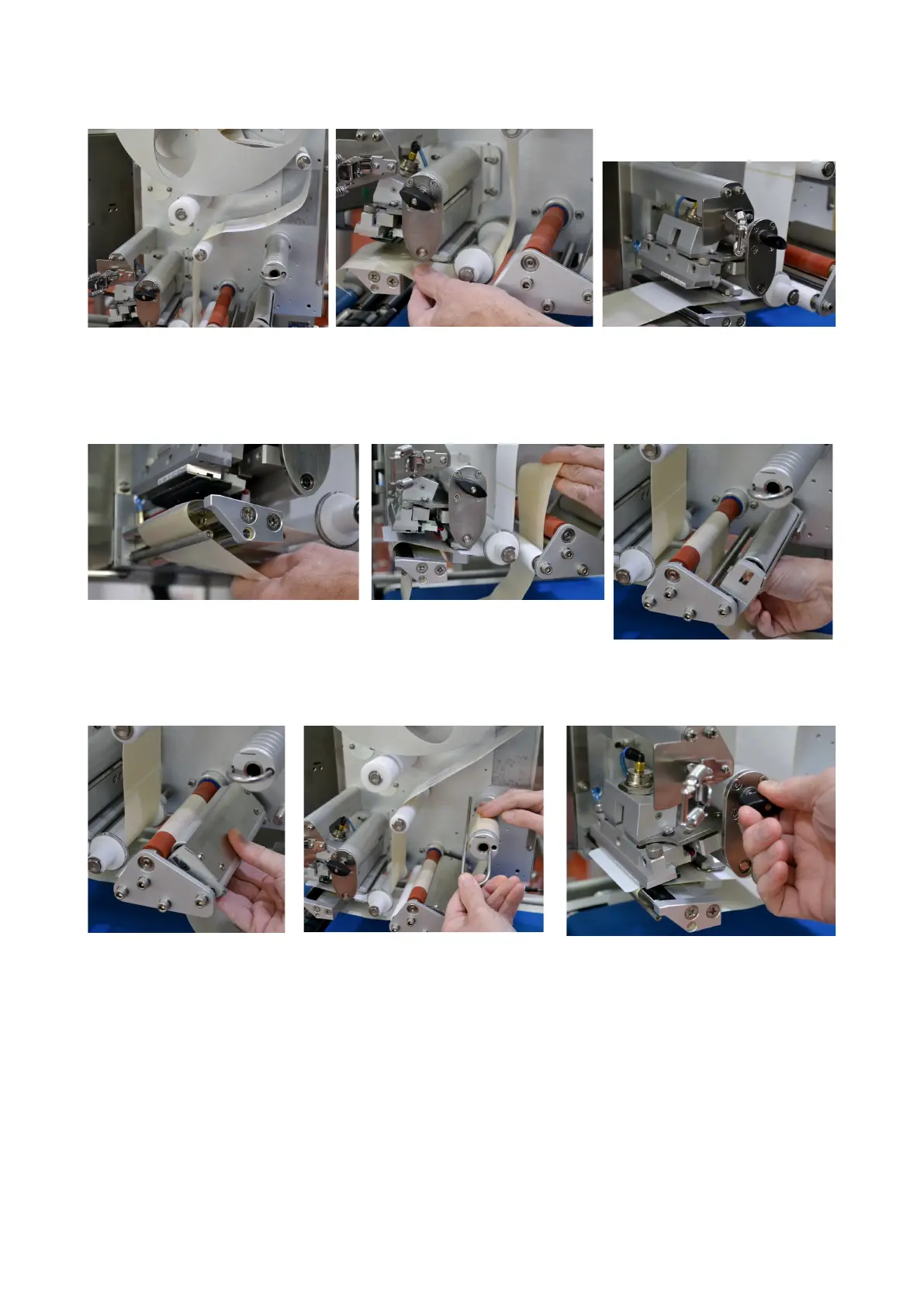
Feed labels over brake arm and
smaller white roller (for outside
wound labels)
Feed labels between label guide and through gap sensor, then pull
through thermal head area. Tip - pull enough labels/paper through at
this point and remove labels from backing paper to allow threading to
final position (take-up spool)
Ensure when the backing paper is
returned under the print area, it runs
behind the blow bar
Feed backing paper up and
over drive roller
Ensure paper is on the correct
side of the shaft & white roller
Click shut the pinch roller
assembly onto the drive
roller
Feed paper up to the take-up
spool and secure paper to it with
the clip
Close thermal head using the block
knob



 To Next Page