16 TMR3610 Operators Manual D4023-EN
9.0 DATA TRANSFER
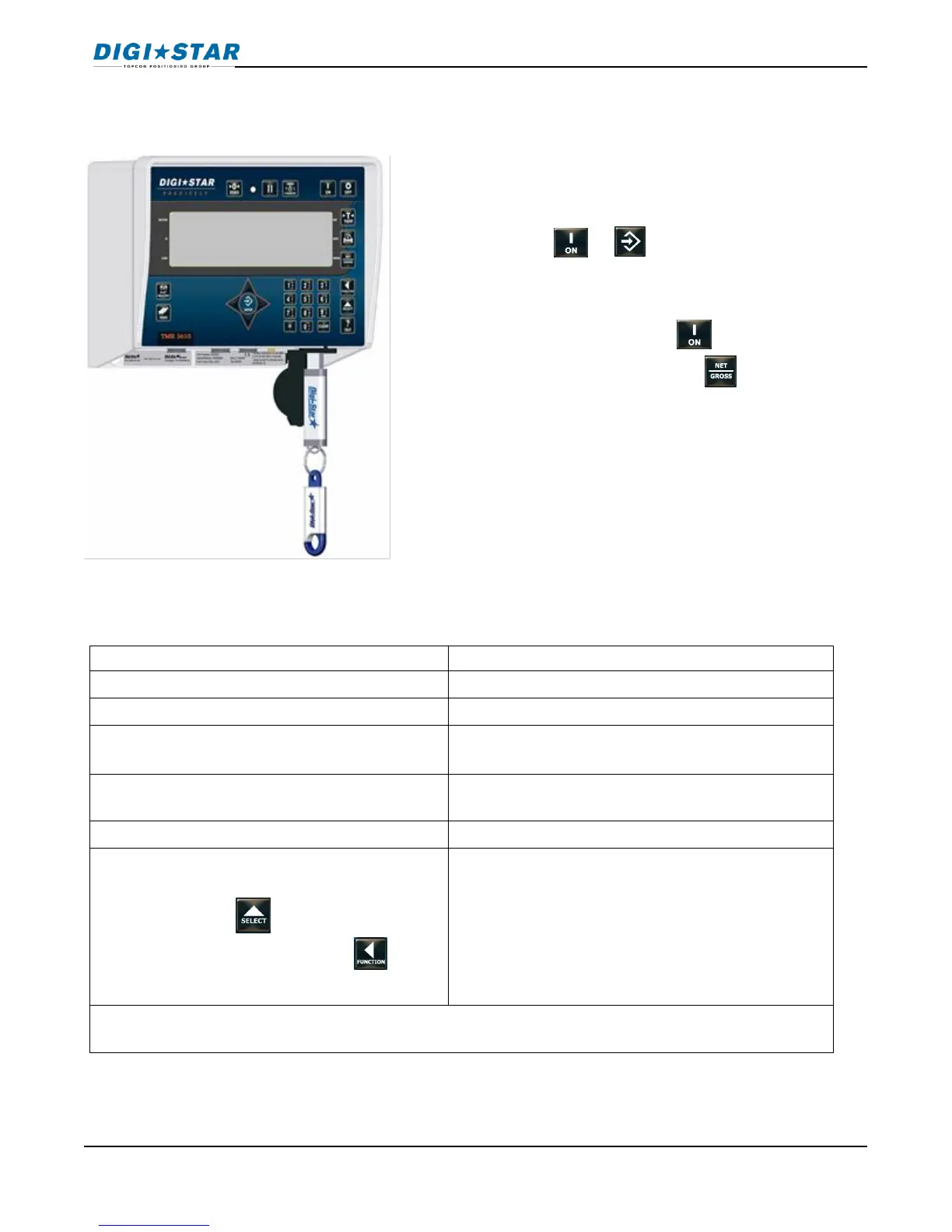
9.1 USB Drive Mode
9.2 RF Datalink Modes
DataLink connects with indicator
DataLink sends data to indicator
ALL FEED LINES RECEIVED -PRESS RECIPE KEY TO
CONTINUE
Data complete, indicator sends data to
DataLink
To send data to PC if operator does not
complete all feeding at end of feeding
schedule. Press until display shows
message (right column), press to
perform transfer.
The indicator marks uncompleted data as completed and sends feeding data to
DataLink.
NOTE: Indicator may also be manually programmed.
To upload data:
Insert USB Drive.
1. Press or .
Note: If indicator displays, Warning—unused
recipes found in EZ—Press to load new
recipes from USB drive –Press to exit.
Remove USB drive when complete.
To download data:
Insert USB Drive, indicator automatically sends
data to USB Drive. Remove USB Drive.



 To Next Page