D4023-EN TMR3610 Operators Manual 29
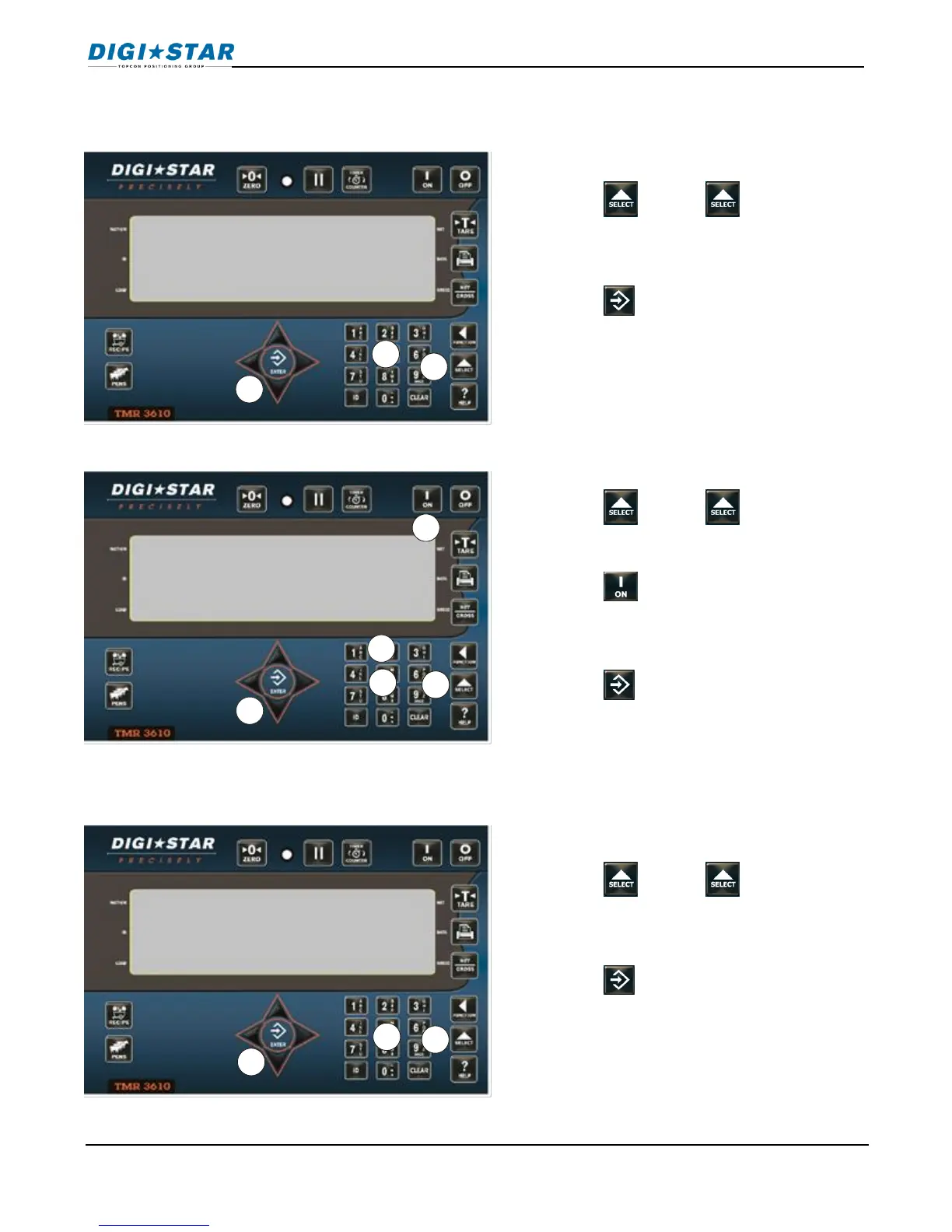
12.4 Tolerance
Sets weight “window” to accept loaded weight before auto advance.
12.5 Pen Tolerance
12.6 Batch Advance Delay
Changes time indicator, waits before automatically advancing to next ingredient.
1. Enter 6003
2. Press . Press again to
choose desired percentage off, or any
entered using the keypad.
3. Press .
Note: OFF setting always advances after
ingredient amount reached.
1. Enter 6005
2. Press . Press again to
choose weight or percent
3. Press , screen will display pentol.
4. Enter weight or percentage desired.
5. Press .
1. Enter 6008
2. Press . Press again to select
delay time or enter delay time using
key pad.
3. Press .
Note: Set to Manual prevents automatic
advance.



 To Next Page