22 TMR3610 Operators Manual D4023-EN
11.0 ADVANCE COMMANDS
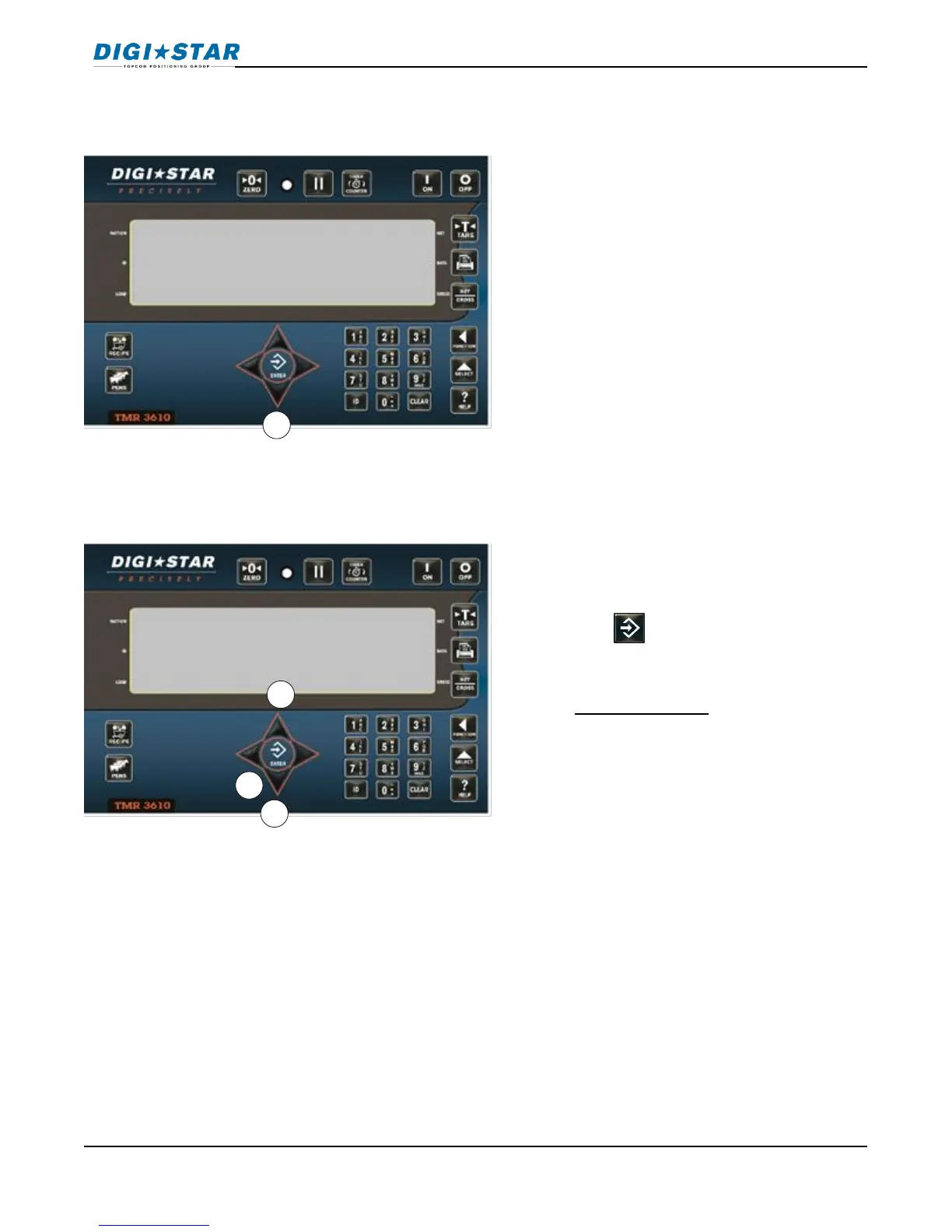
11.1 Unload Partial Pens
11.2 Go Back to Skipped Ingredient
1. Press DOWN arrow to advance to next
pen without finishing current pen.
Note: If pen tolerance is set and feeding
stopped before preset weight reached,
alarm sounds, Indicator displays: Pen
underfed – press print to remove pen from
list – press on to keep pen,
For Pen Tolerance; D.A.N. 6223 PENCHK
1. Press UP or DOWN arrows to move
back.
2. Press .
Note: Ingredient weight changed more
than 4 display counts cannot restart that
ingredient. For feature used to control
skipped ingredient, use D.A.N. 6011
ISTART.
Example: If minimum display change is
10 lbs./kg---More than 40 lbs. Cannot
restart that ingredient. One count is equal
To 10 lbs./Kg.



 To Next Page