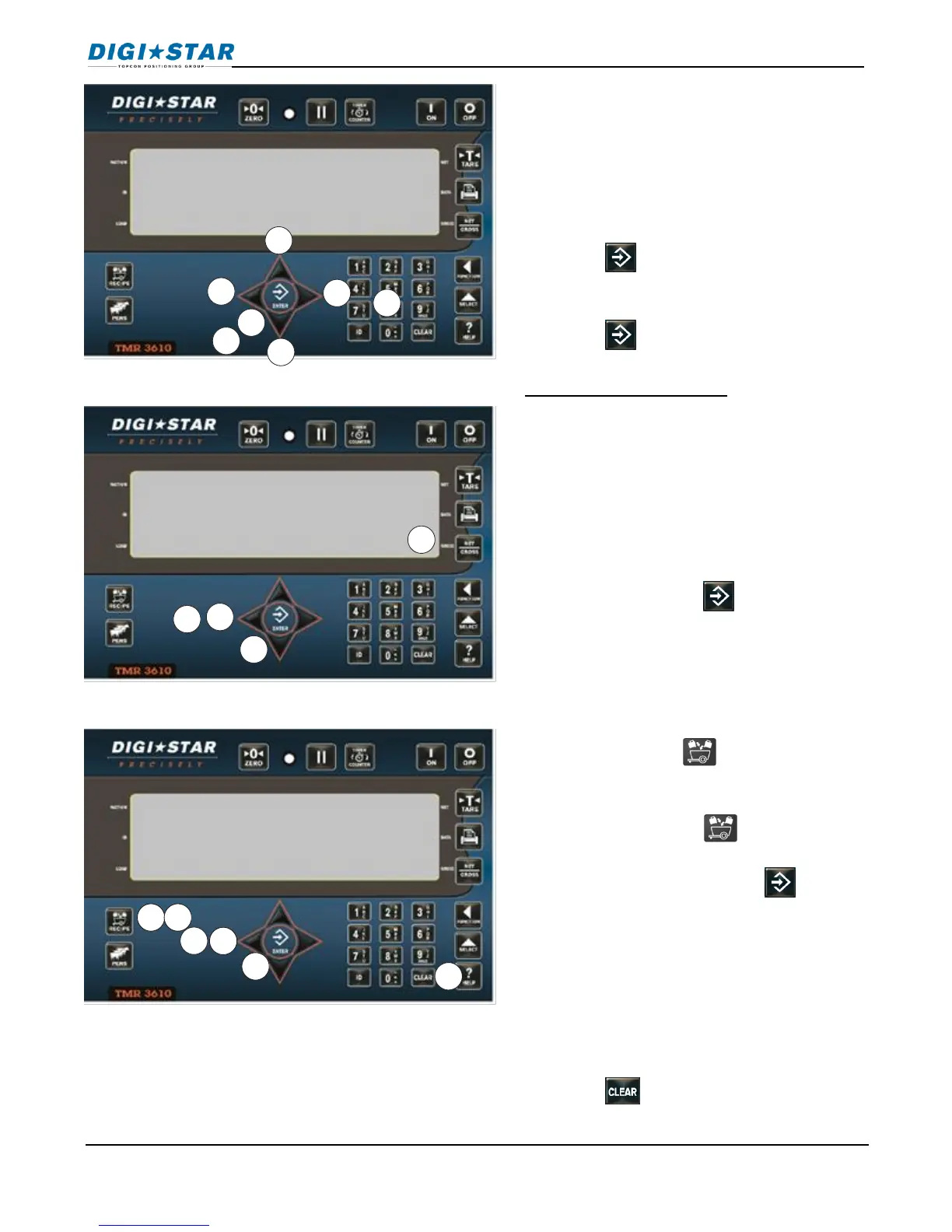
11. Press RIGHT arrow to display pens.
Press LEFT arrow to display
ingredients
12. Press UP or DOWN arrow to scroll
available ingredients or pens.
13. Press to select ingredient or pen.
14. Enter amount required.
15. Press to store amount.
To erase ingredient /pen:
16. Press and hold LEFT arrow to erase a
feed-line. Message will ask to press
the LEFT arrow to erase.
17. Press LEFT arrow to erase the current
ingredient or pen displayed on the
screen.
18. Repeatedly press to finish editing.
19. Indicator calculates and displays total
amount of recipe.
1. Press and hold until indicator
beeps and displays program followed
by first recipe number.
2. Repeatedly press until desired
recipe number displayed or keypad in
recipe number and press .
3. Press and hold LEFT arrow, message
scrolls: Press PRINT TO PRINT RECIPE—
Press minus to erase recipe—press
net/gross to exit
4. Press LEFT arrow to erase recipe.
5. Press to exit.



 To Next Page