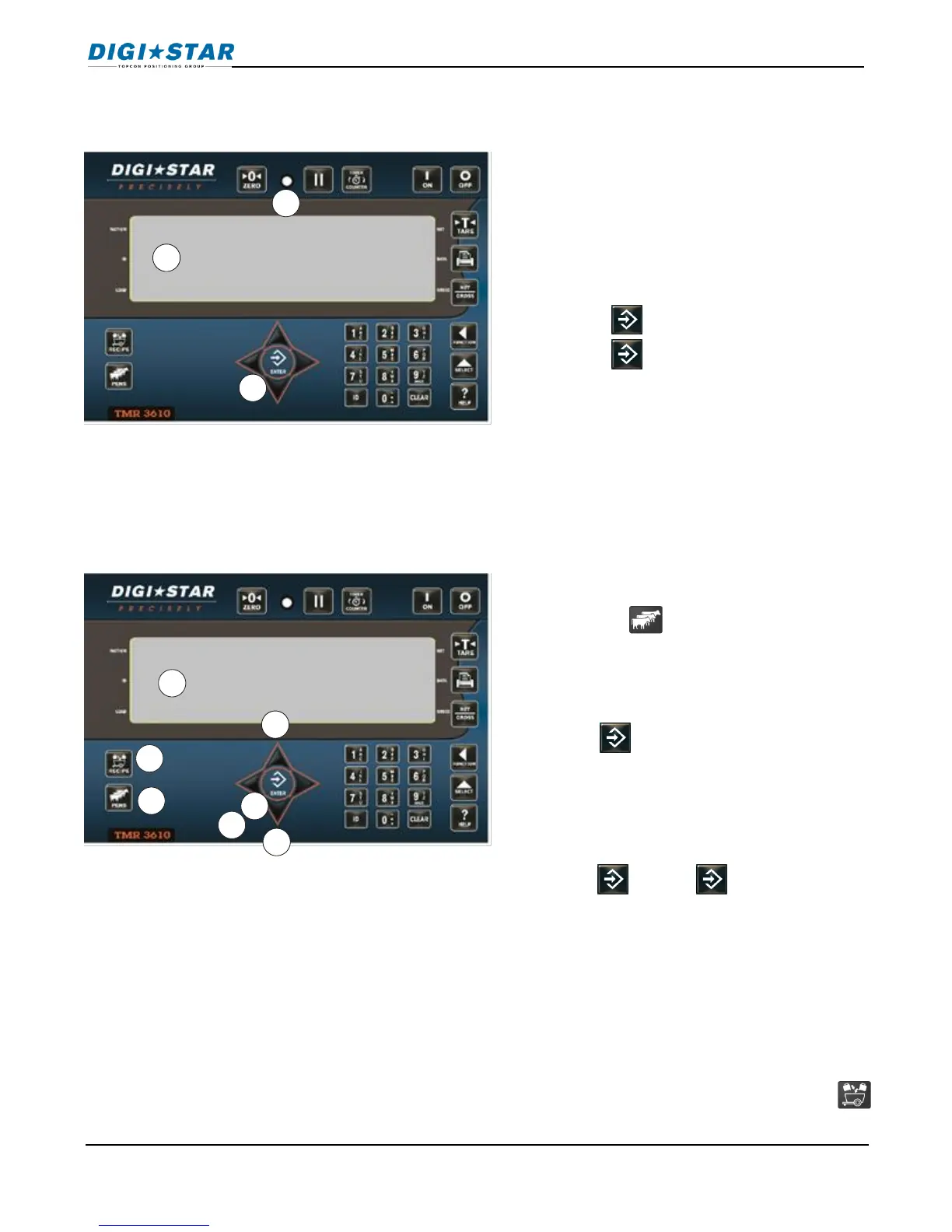
1. First ingredient weight flashes in display.
Begin loading ingredient.
2. Weight reached, alarm will flash and
sound.
3. Manual Advance: Weight reached,
Press .
Press again to start next ingredient.
OR
Auto Advance: When preset weight
reached, indicator advances to next
ingredient.
Note: Press to resize by number of
head in pen.
1. When ingredient loading complete,
display reads recipe complete. Then
press the key (or use D.A.N. 6217
to enable AUTOPEN)
2. Press UP or DOWN arrows to select
desired pen.
3. Press .
4. Pen and weight displayed, begin
unloading to the pens.
5. Manual Advance: Weight reached,
press . Press again to start
next pen.
OR
Auto Advance: When preset weight
reached, indicator advances to next
pen.
6. When unloading is complete press
to start next recipe.



 To Next Page