EasyManua.ls Logo

Digistar TMR3610 - Page 35

Digistar TMR3610
65 pages
Print Icon
To Next Page IconTo Next Page
To Previous Page IconTo Previous Page
Loading...
D4023-EN TMR3610 Operators Manual 35
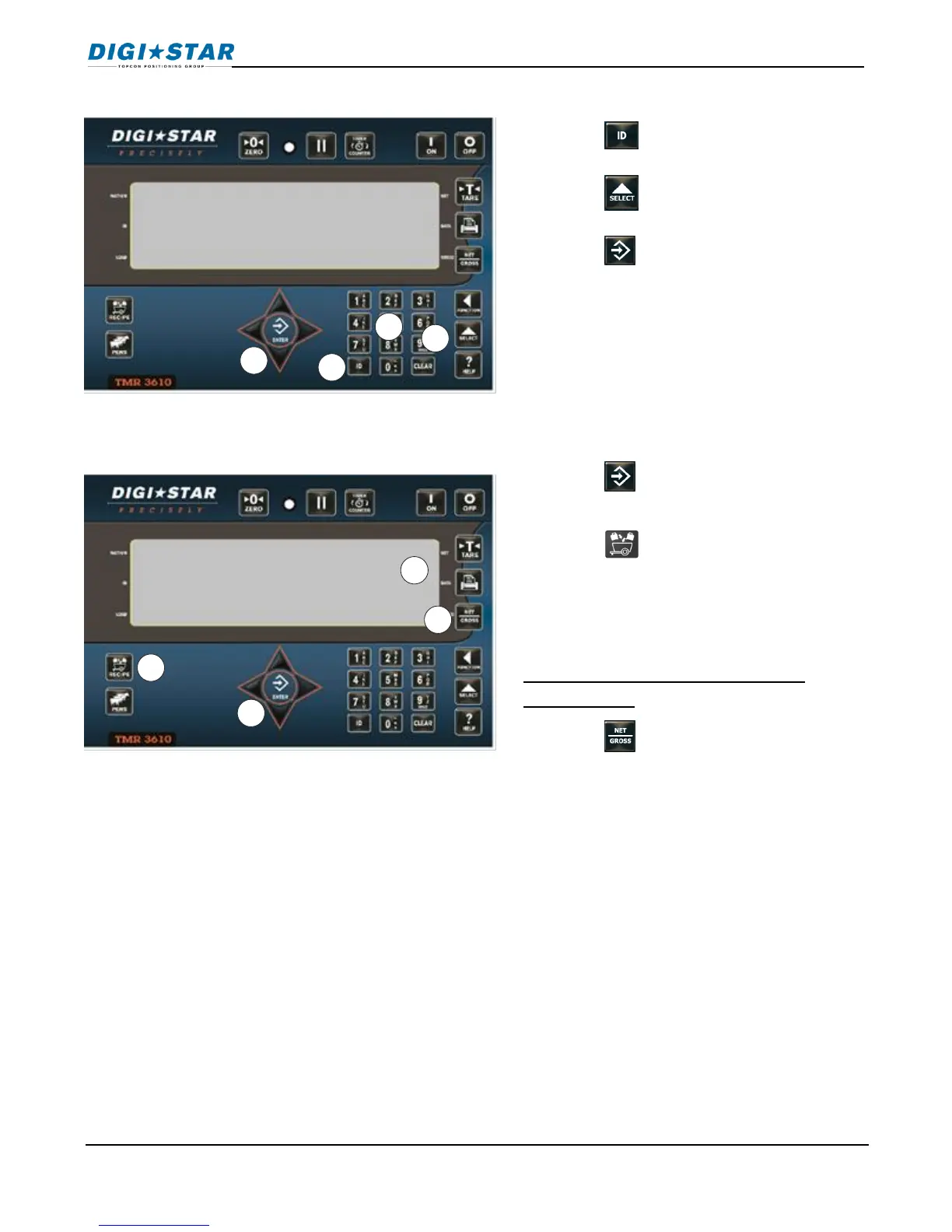
8. Press to change pens.
9. Press to scroll available pens.
10. Press to select pen on screen.
11. Enter amount for pen.
12. Press to store amount.
13. Press completes recipe.
14. Indicator calculates and displays total
amount of recipe.
Repeat steps 1-14 until all recipes
programmed.
15. Press to exit.

Pen 1
total
8
9
10
11
12
13
14
15
Manual Programming of Recipes

Table of Contents

Related product manuals