6
3. Steps for using the Debug Monitor
This chapter will explain the basic steps to successfully capture debug information
for a Digitize 3000/3500/3505 system.
3.1 Starting the software
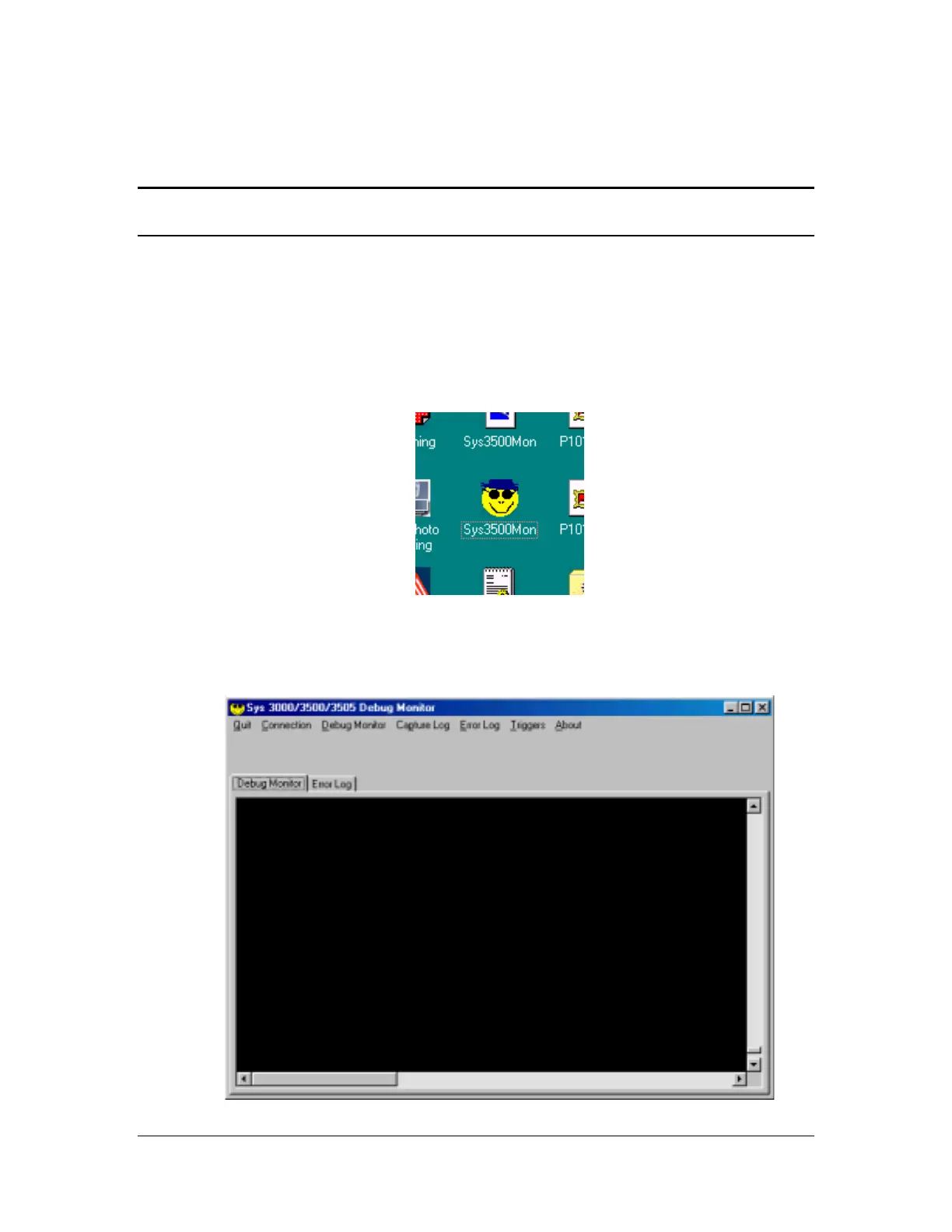
From your desktop, look for the “cool” Smiley Face Icon. Double click on it to start
the Sys 3000/3500/3505 Debug monitor.
After the program has started , you will see the following screen.



 To Next Page