Steps For Using The Debug Monitor Digitize Inc.
18
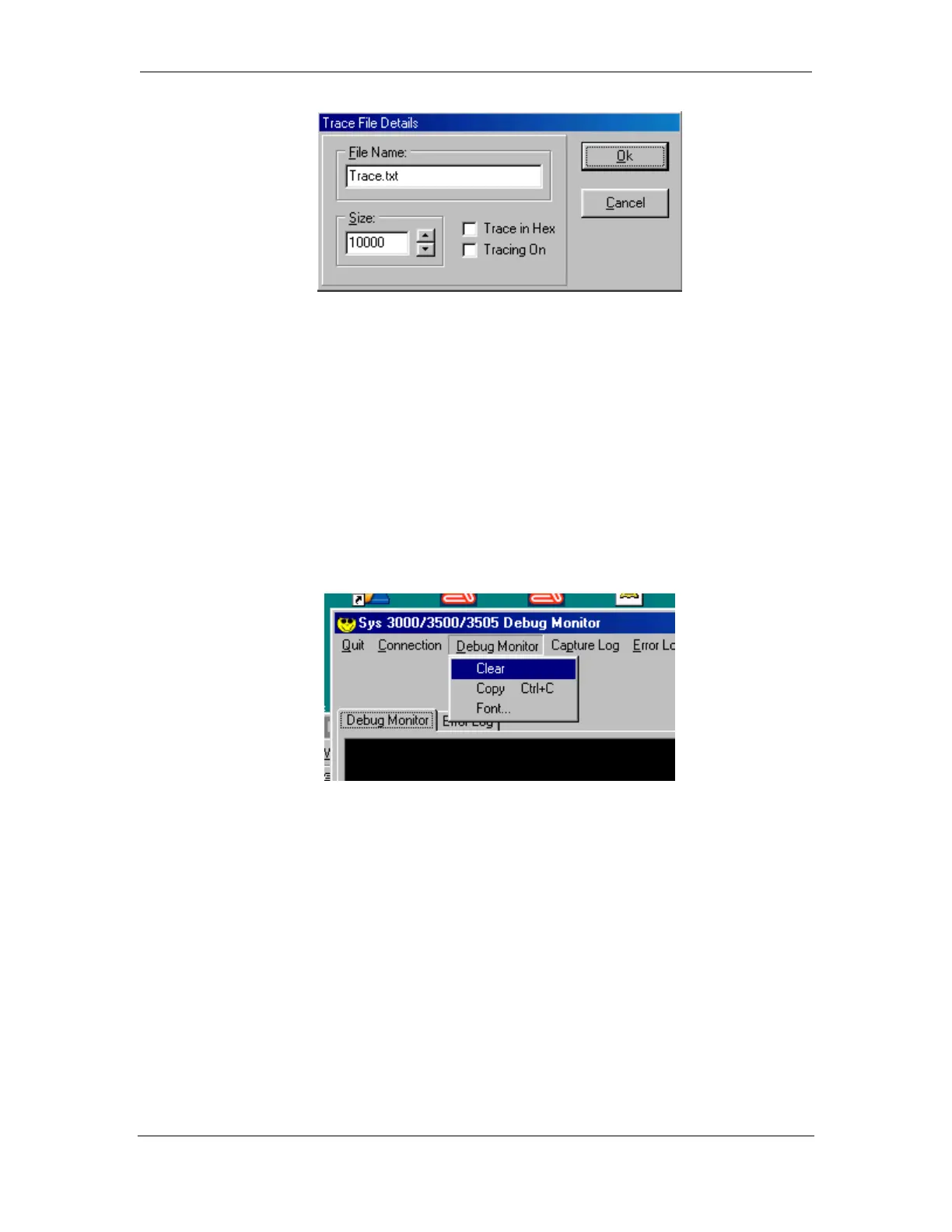
File Name: The name of the Trace file. The Trace file will be created in the same
directory that the Debug Monitor software resides.
Size: The size of the Trace file. Once the Trace file reaches the pre-selected size, the
file will automatically close.
Trace in Hex: When selected, the data placed in the Trace File will be in Hex
Format.
Tracing On: When selected , enables the Trace File Output.
4.4 Debug Monitor
4.4.1 Clear
The Clear button clears all of the text in the display area.
4.4.2 Copy
Copy button will copy selected text from the display area to the clipboard. Copied
text can then be pasted into another application.
Use the cursor and select text on the display, then select the copy button.
4.4.3 Font
The Font button will allow the user to customize the Font displayed on the Capture
screen. The type of font , font style and font size are selectable.



 To Next Page