Steps For Using The Debug Monitor Digitize Inc.
12
3.6 Saving and sending the files
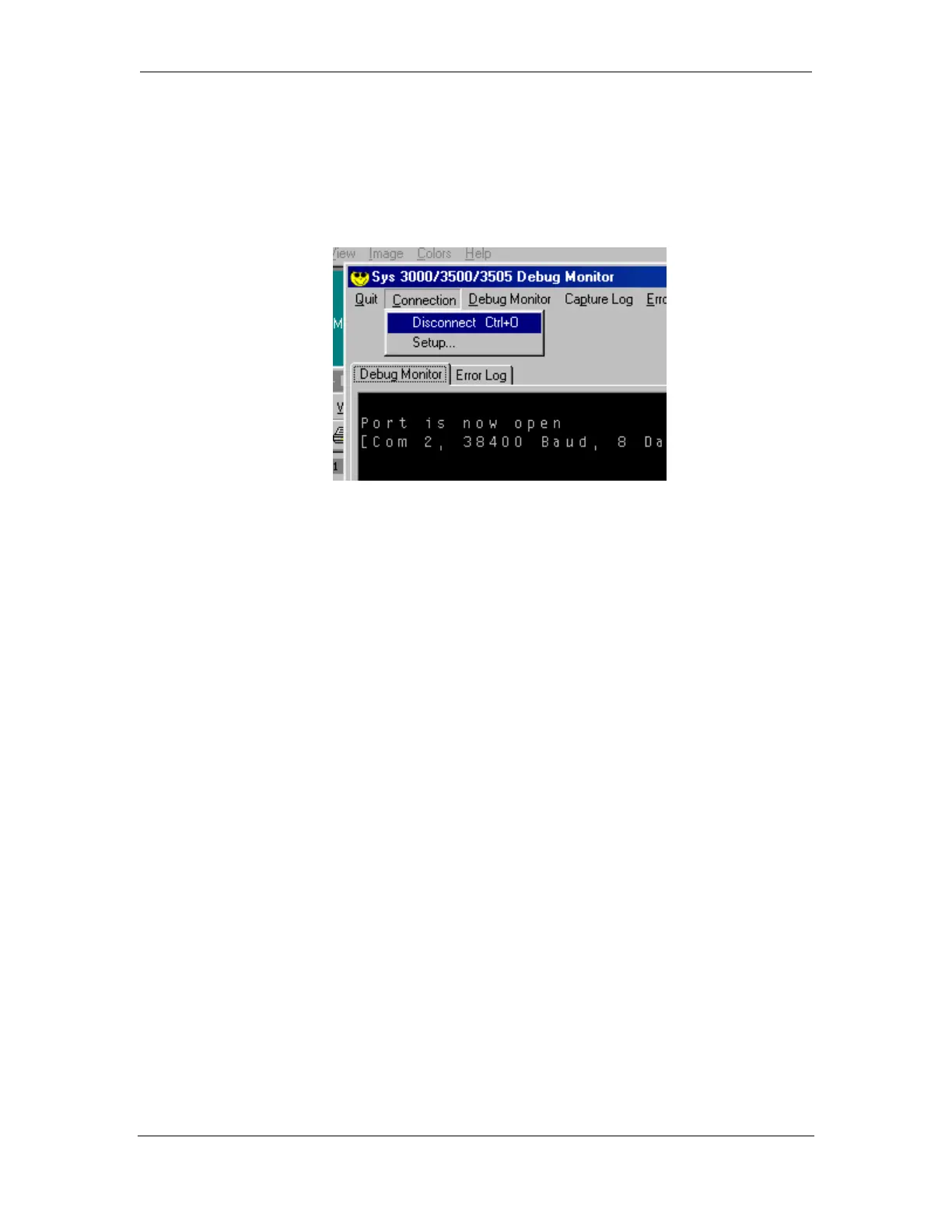
To end a debug session, click on the Disconnect button in the Connection Menu.
The display will acknowledge that the session has ended by displaying “Port is now
closed”.
When the port is closed, the debug Monitor also saves the Capture Log File and the
Error Log File in the C:\PROGRAM FILES\DIGITIZE\SYS3500MON\ folder.



 To Next Page