Digitize Inc Steps For Using The Debug Monitor
9
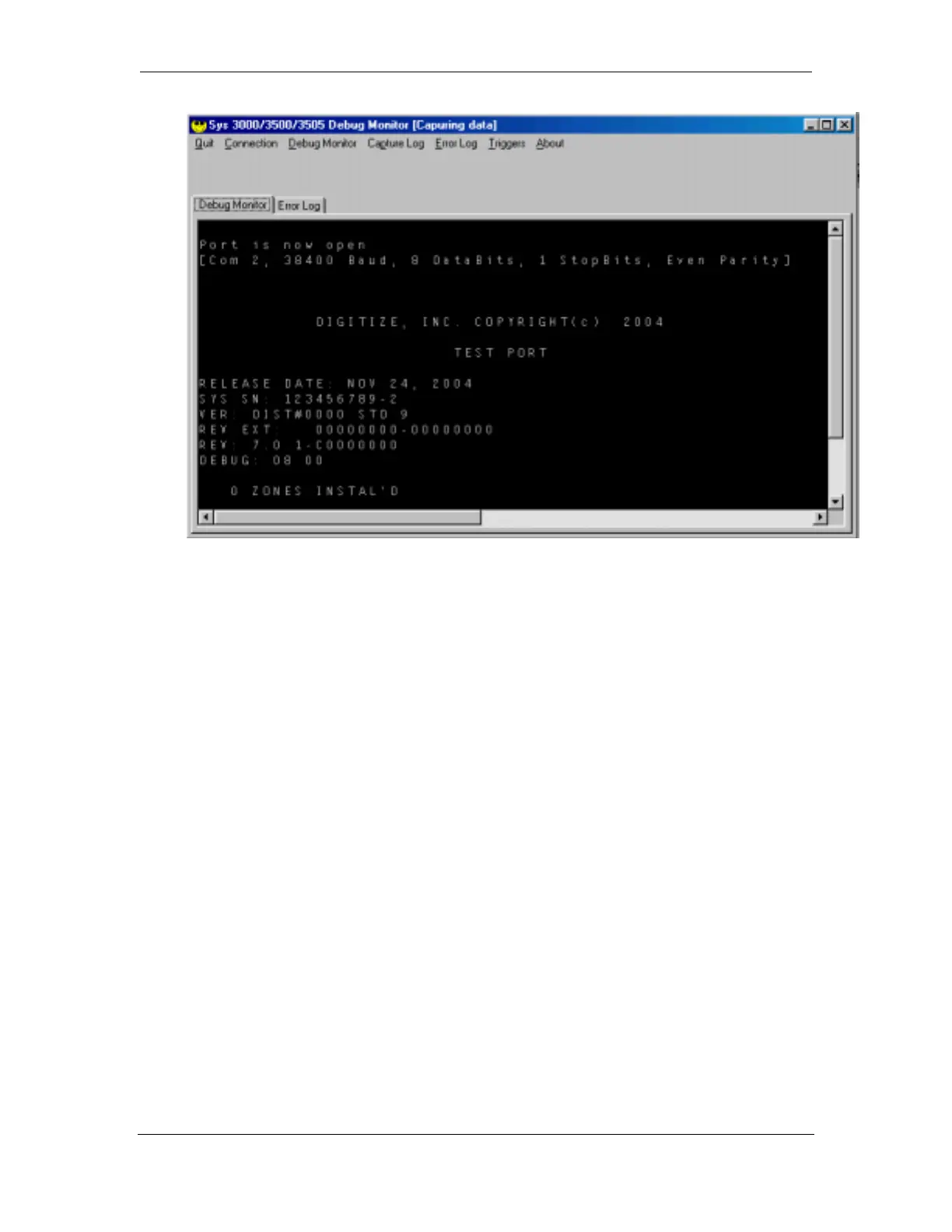
If the display is blank, verify that the correct Com port is selected. Also verify that
the serial cable is connected to the correct ports and connected securely to the
computer and System 3500.
If the display is full of “garbage “ text, verify that the serial settings for the Debug
Monitor match the settings for the System 3500.
3.5 Setting up Triggers
In many cases when capturing computer debug data, the problem that you are trying
to capture only happens at 2 am every second Monday, or something of that sort.
That would create a extremely large capture files with hundreds of thousands of lines
of captured data to sift through.
Triggers are used to make the capture more manageable. The Debug Monitor will
look for the Trigger text among the raw serial capture. If it matches the trigger, the
Debug Monitor takes a snap shot of the serial data just before and just after the
Trigger text and saves it to the Error File.



 To Next Page