Digitize Inc Debug Monitor Menus
17
Databits: Use the down arrow to select the proper Databits selection for the capture
session (The Databit setting for the System 3xxx is generally set to 8 bits.)
Buffer Size: Sets the size in bytes of the Transmit and Receive Buffers. The buffers
can be set to:2048, 4096, 8192, or 16384 bytes. Generally these settings
should not be changed. If during a capture session, you believe you may be
losing data due to the CPU speed of your computer, try increasing the size of
the buffers to see if that corrects your problem.
Software Flow Control: The System 3xxx generally uses Software Flow Control
(XON/XOFF) to control the flow of data from the System 3xxx to the data
capture computer. These settings should not be changed.
Hardware Flow Control: Generally not used by the System 3xxx.
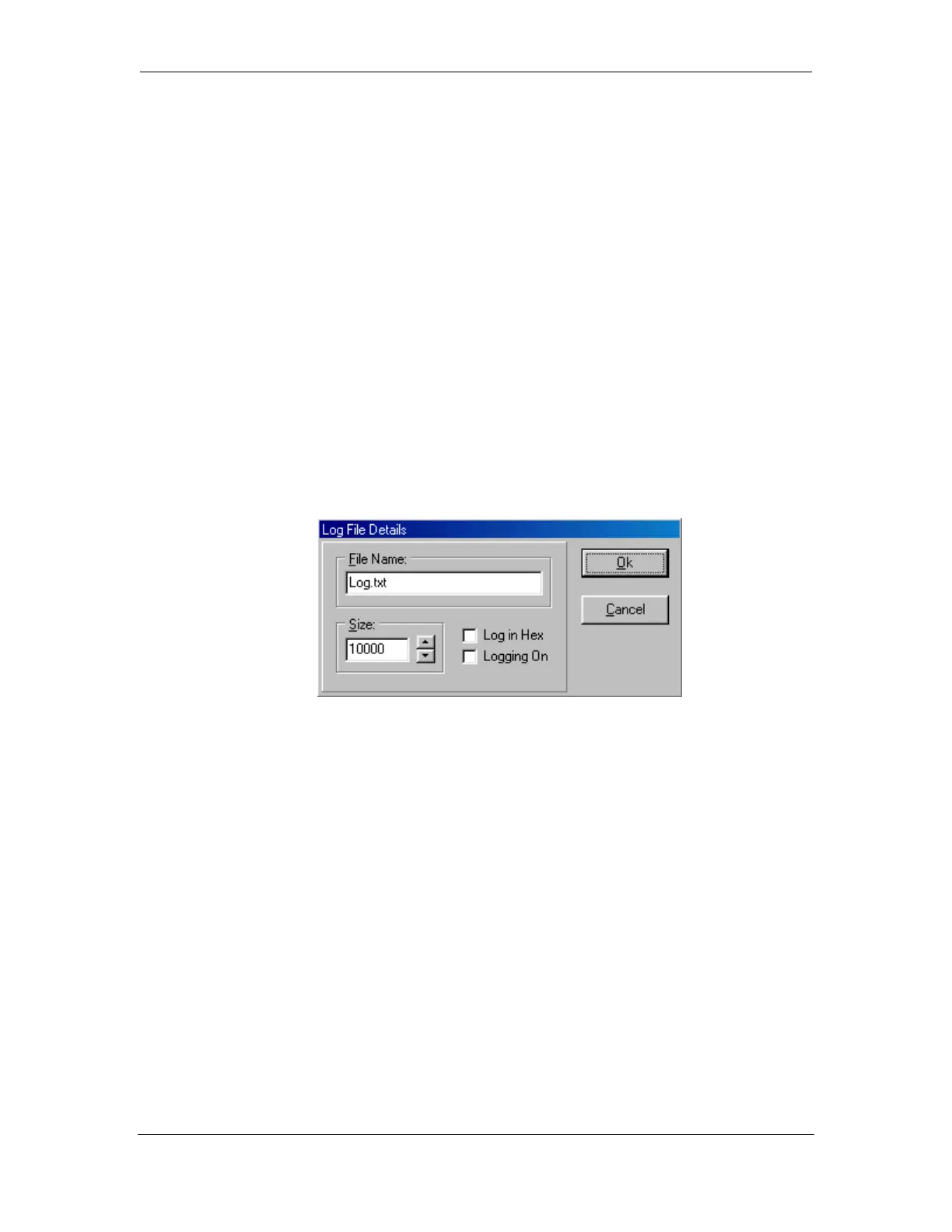
4.3.2.1. Logging
The Log file will contain all of the raw data collected from the serial port. It is not
necessary from most capture operations.
File Name: The name of the Log file. The Log file will be created in the same
directory that the Debug Monitor software resides.
Size: The size of the Log file. Once the Log file reaches the pre-selected size, the file
will automatically close.
Log in Hex: When selected, the data placed in the Log File will be in Hex Format.
Logging On: When selected , enables the Log File Output.
4.3.2.2. Tracing
The Trace file will contain all of the raw data collected from the serial port including
non-printable characters. It is not necessary from most capture operations.



 To Next Page