Steps For Using The Debug Monitor Digitize Inc.
24
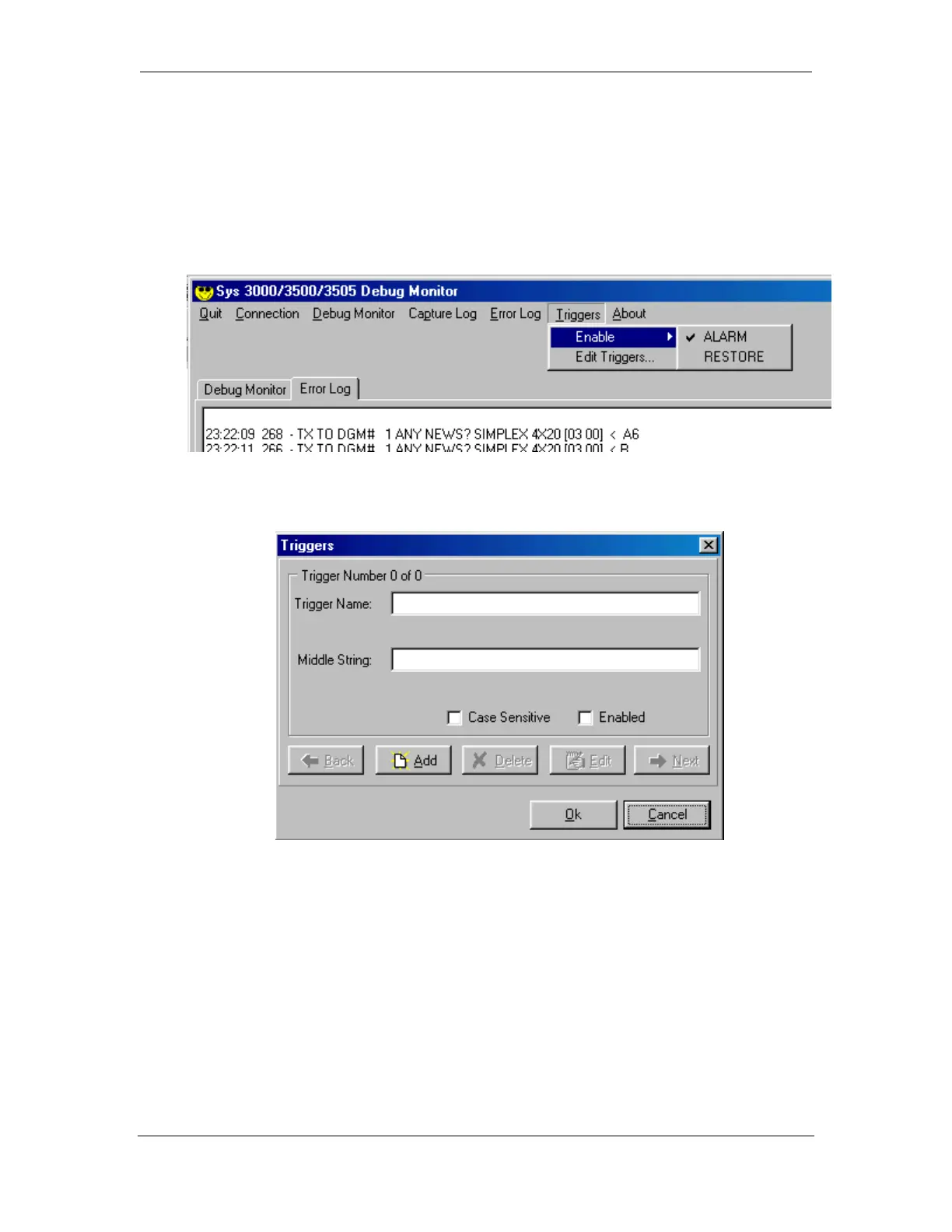
4.7.1 Enable
The enable Menu allows the user to turn Triggers on and off. A check mark next to
the name of the trigger indicates that it is enabled.
4.7.2 Edit Triggers
Trigger Name: This is the name of the Trigger.
Middle String: This is the actual text that will trigger the debug Monitor to save the
event to the Error File.
Case Sensitive: When enabled, the Debug Monitor will only trigger when the
Middle String exactly matches the case of the incoming data.
Enabled: When selected, the Debug Monitor will test incoming data with this
Trigger.



 To Next Page