2
2. System Installation
This chapter will explain how to successfully install the Debug Monitor on a
computer for use.
2.1 In the package
The following items are included with the Debug Monitor software:
CD Rom Program Disk
Manual
DB9 Serial Cable
2.2 Software Requirements
The Debug Monitor software has the following requirements:
Computer with CDROM drive
Windows 95 or greater
Serial port
2.3 Installation
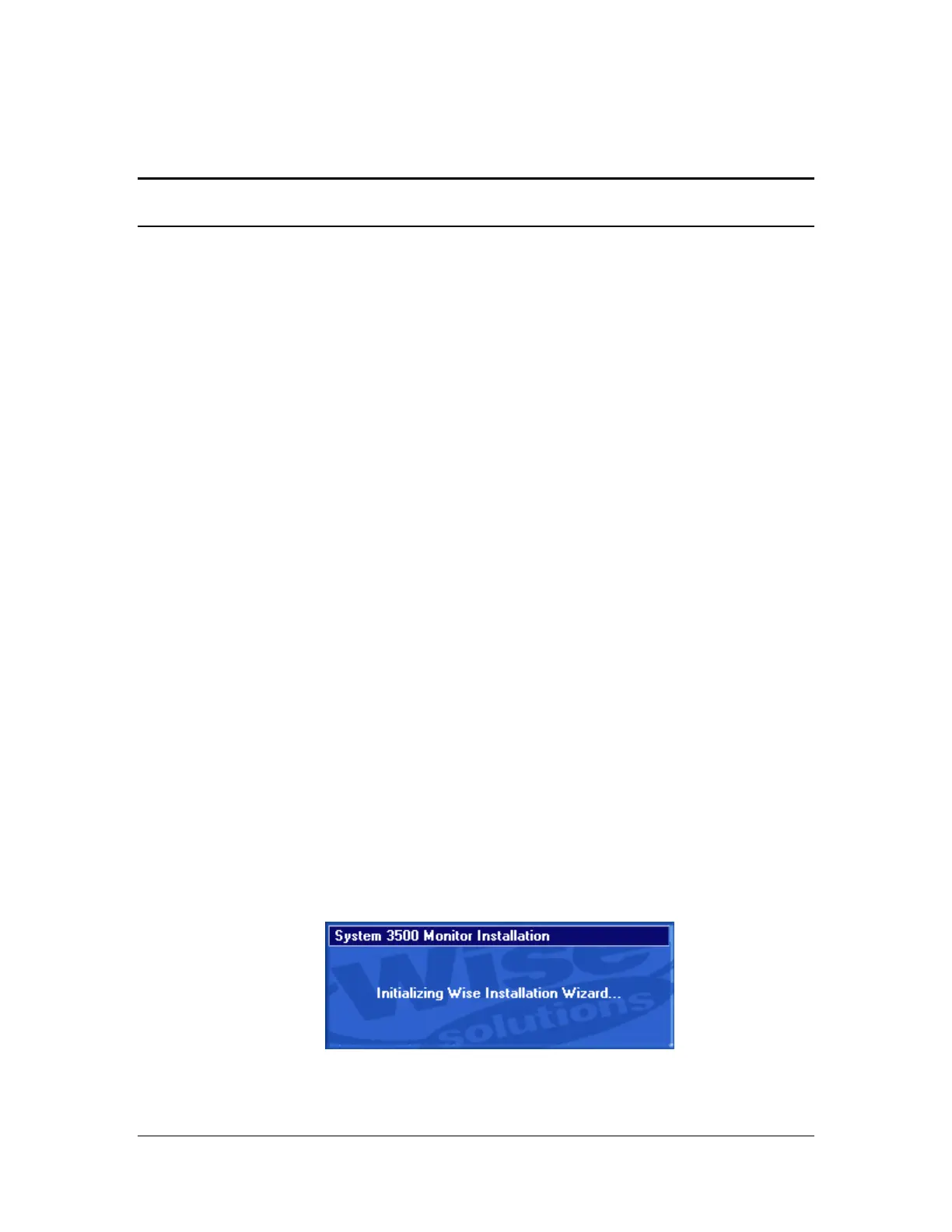
Insert the CDROM disk in the drive on your computer. Run the program marked
“Setup.exe”. The following will display on the screen.



 To Next Page