Digitize Inc Debug Monitor Menus
21
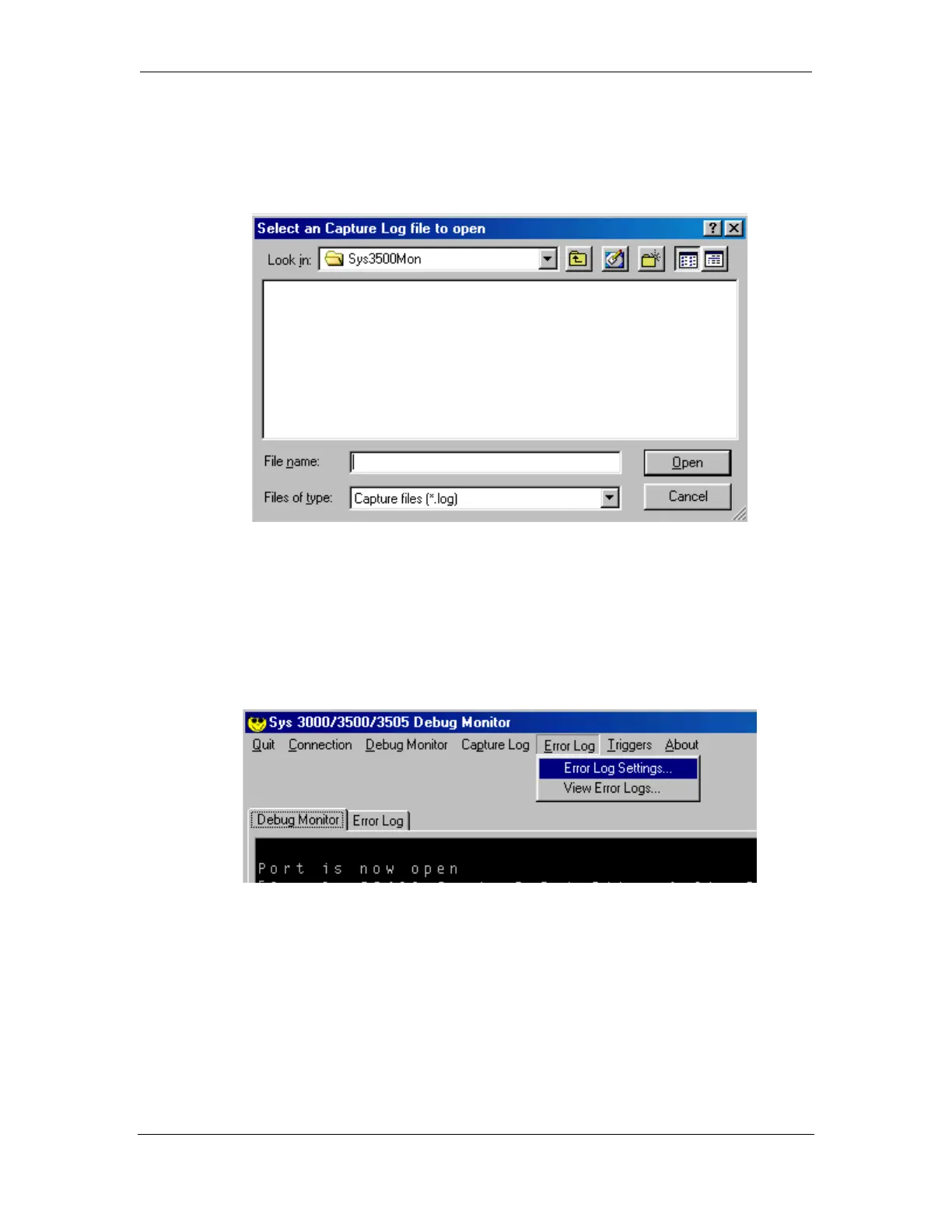
4.5.2 View Capture Log
This utility allows you to view previously capture Capture Logs.
4.6 Error Log
The Error File option is very similar to the "Capture File" option but instead of
capturing all incoming data, it captures just a snapshot of data the user has previously
selected to see, under the Edit Trigger form.



 To Next Page