Steps For Using The Debug Monitor Digitize Inc.
8
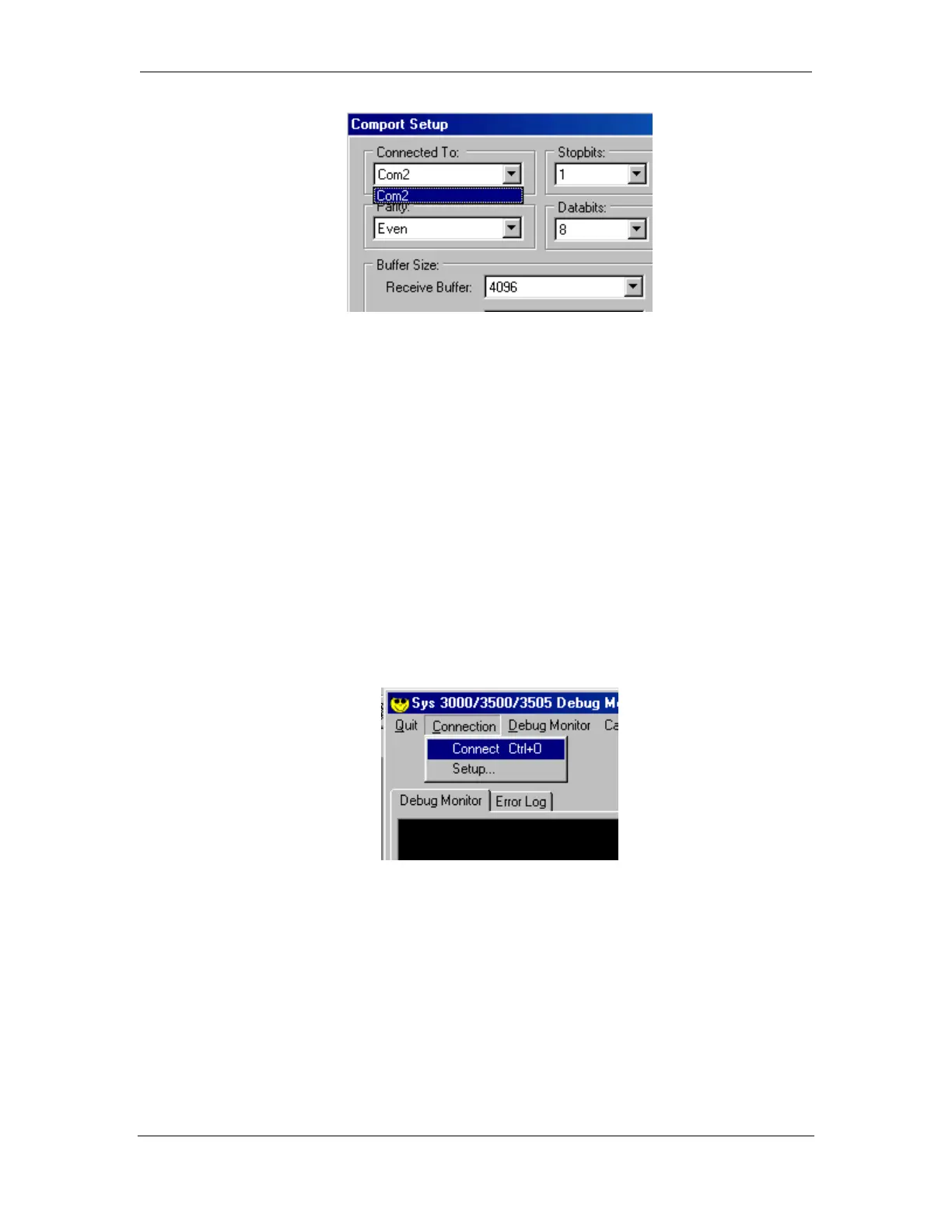
Select the COM port that will be used with the Debug Monitor using the Down
arrow.
3.3 Testing Your Connection
Connect the serial cable supplied with the Debug Monitor program from the Com
port of the computer to Programming Port on the back of the System
3000/3500/3505.
3.4 Capturing data
Start the connection. From the Connection Menu, select Connect.
In order to test the connection, restart the System 3xxx. When the System 3xxx is
finished restarting, the Debug Monitor screen should resemble the following
diagram.



 To Next Page