Steps For Using The Debug Monitor Digitize Inc.
16
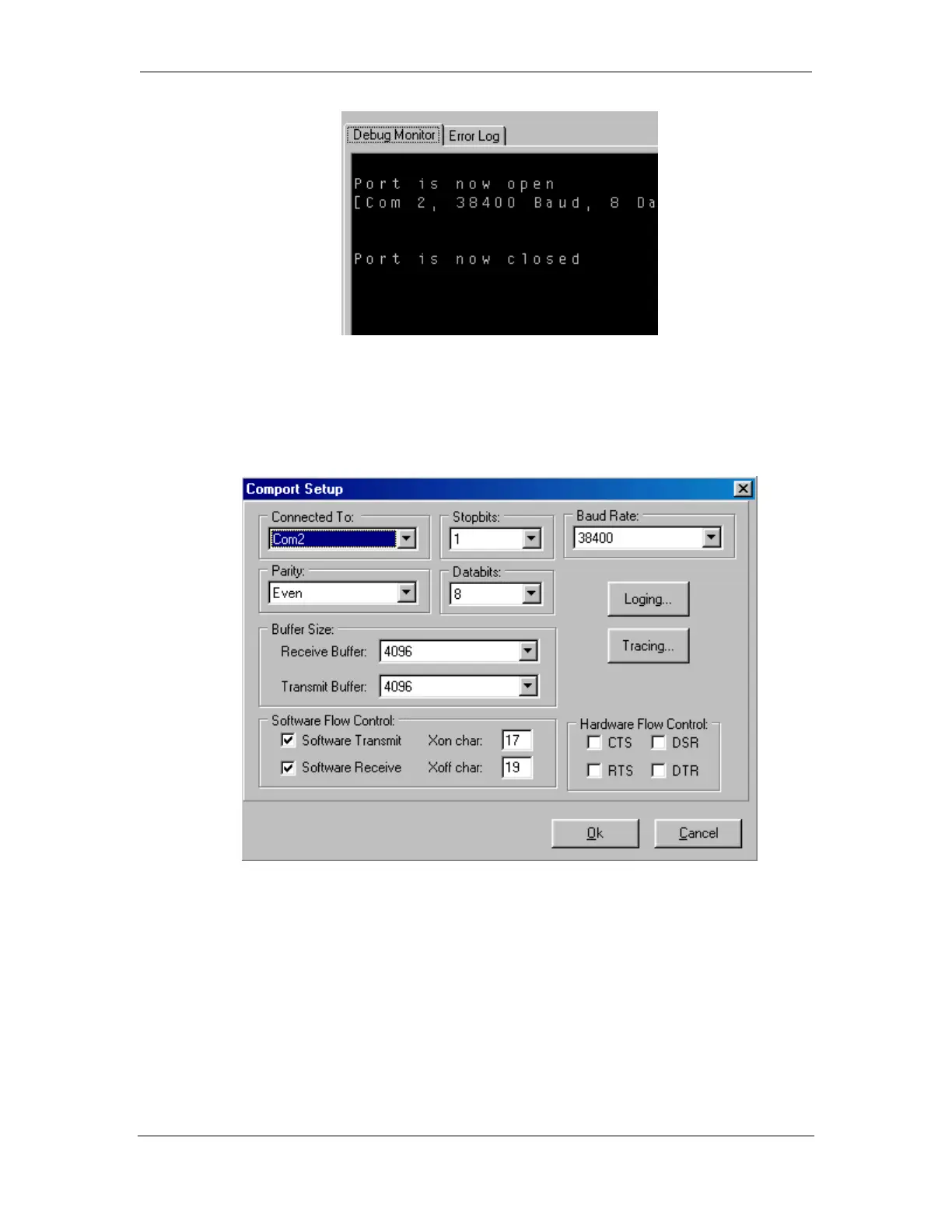
4.3.2 Comport Setup
This menu is used to properly configure the computer comport for capturing serial
data.
Connect To: Use the down arrow to select the comport that will be sued during the
capture session.
Stopbits: Use the down arrow select the number of Stopbits. (The comport on the
System 3xxx is generally set to 1 stopbit.)
Baud Rate: Use the down arrow to select the baud rate for the capture session. (The
Baud Rate for the System 3xxx is generally 38400.)
Parity: Use the down arrow to select the proper Parity setting for the capture session.
(The Parity setting for the System 3xxx is generally Even).



 To Next Page