Digitize Inc Debug Monitor Menus
23
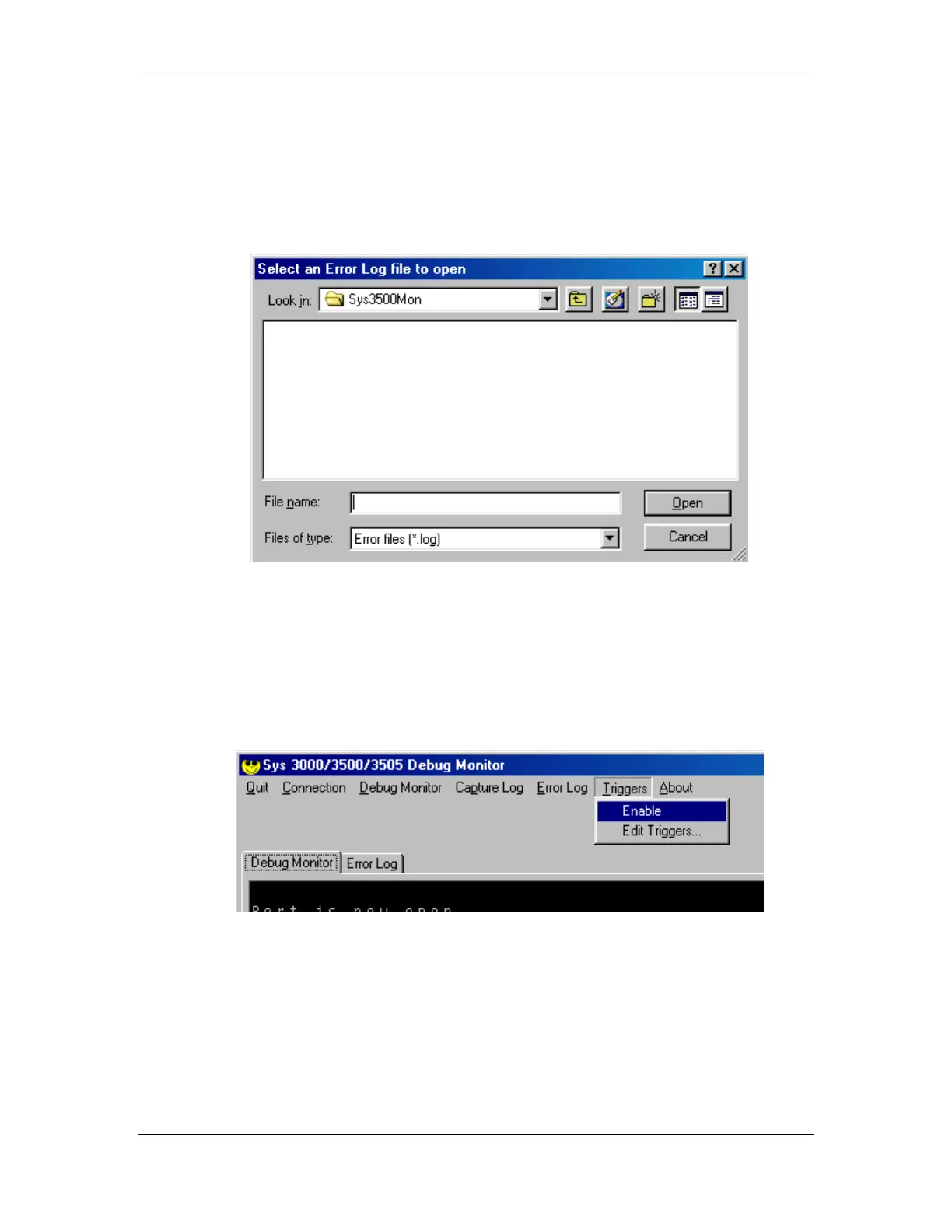
4.6.2 View Error Log
This utility allows you to view previously capture Capture Logs.
4.7 Triggers
The Debug Monitor compares the raw incoming data with the enabled triggers. When
it matches a trigger, the program takes a snapshot of the data before and after the
trigger and saves it to the Error File.



 To Next Page