Digitize Inc Steps For Using The Debug Monitor
11
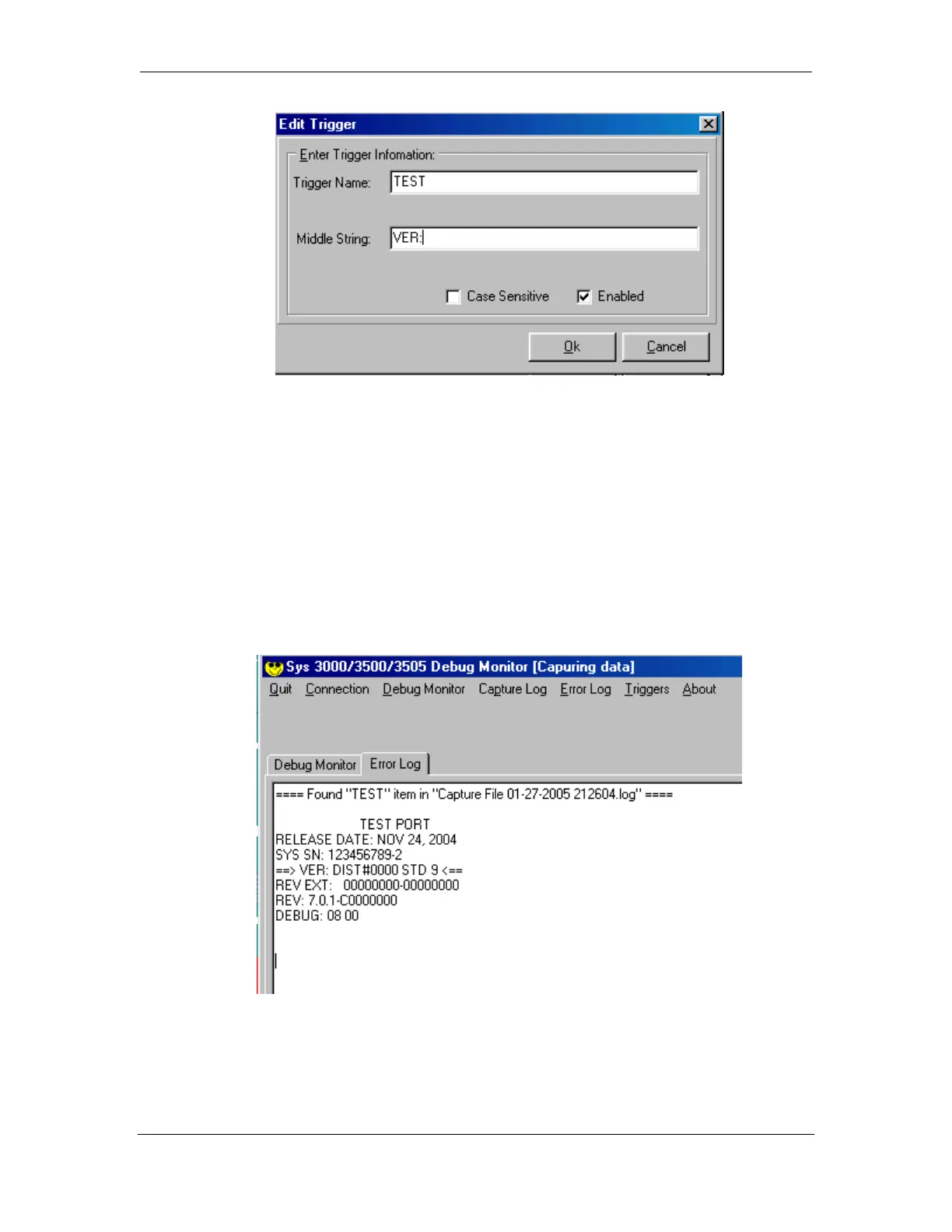
Next, restart the System 3500. When the 3500 has finished restarting, click on the
Error Log tag on the Debug Monitor.
The top line indicates which Trigger was found, including the date and time. The
Debug Monitor program then captures 3 lines of text before the Trigger and 3 lines
after the Trigger.
The Trigger is enclosed in arrows.
In our example the Trigger Name is TEST and the Triggered data that was captured
is “VER:”.



 To Next Page