Connections and Setup
75
Changing Languages
CHANGING LANGUAGES
You may be able to change the language of some programs. An alternate language may
not be available for all programs. Some programs, such as movies, indicate at the
beginning whether an alternate language or descriptive audio is available. An alternate
language applies only to the audio part of a program and does not change the language
used in the menus displayed by the receiver. Descriptive audio—not included on all
channels and programs—is a feature for the visually impaired that describes what is
happening during a program.
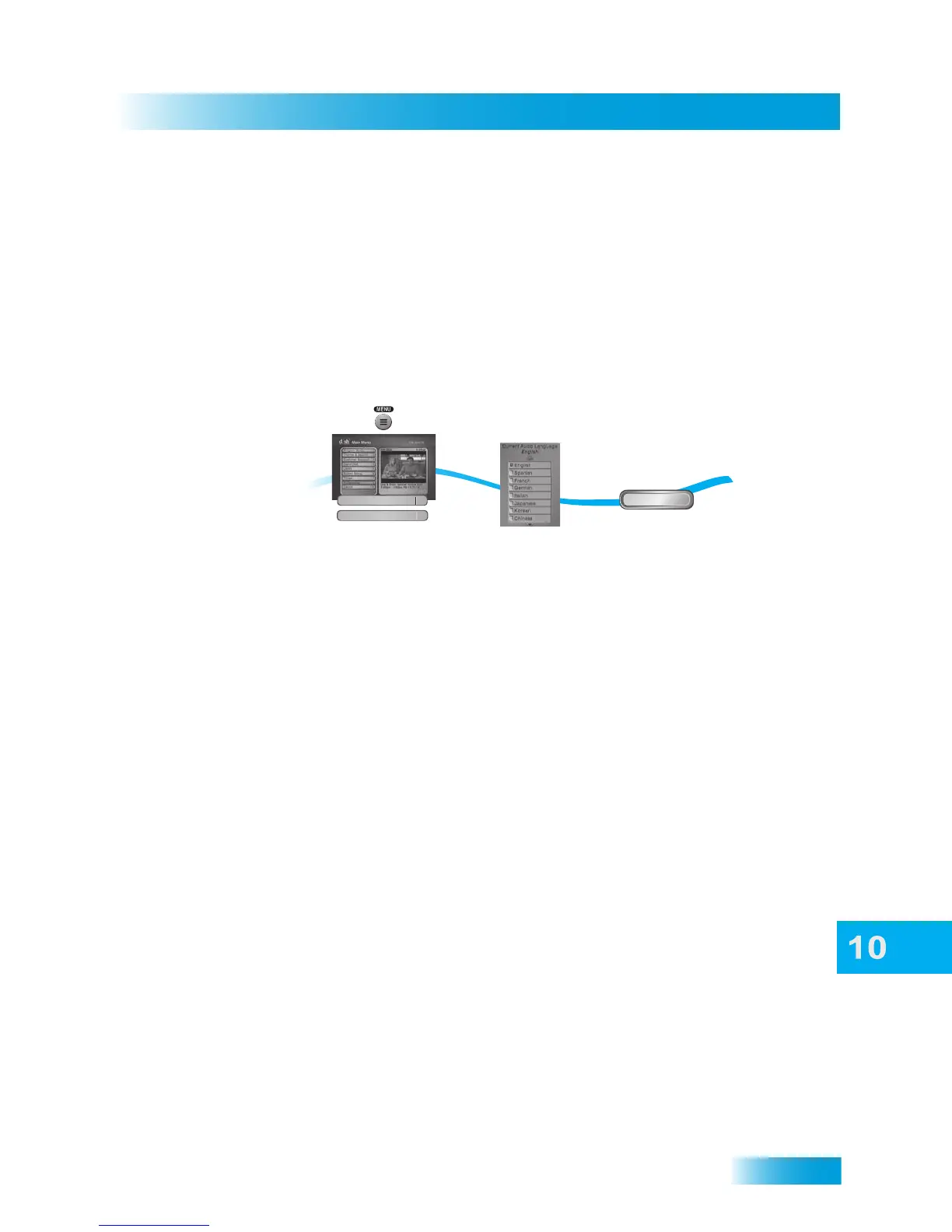
1 Press MENU on your DISH remote control, select Preferences, and then select Alternate
Audio.
2 Select the preferred language.
3 Select Done.
USING CLOSED CAPTIONING
The receiver has many options for Closed Captioning (CC), which allow you to change the
feature to suit your needs. Also, you can display captions when you play back programs
recorded using the receiver’s DVR (Digital Video Recorder), even if you didn't have closed
captioning turned on when the program was recorded.
Note: Not all programming contains closed captioning information.
2
3
Press MENU and select
Preferences, then
Alternate Audio
Select preferred
language
Done
Alternate Audio
3
Select Done
1
Preferences
8













 To Next Page