Page 15
The Menu Structure
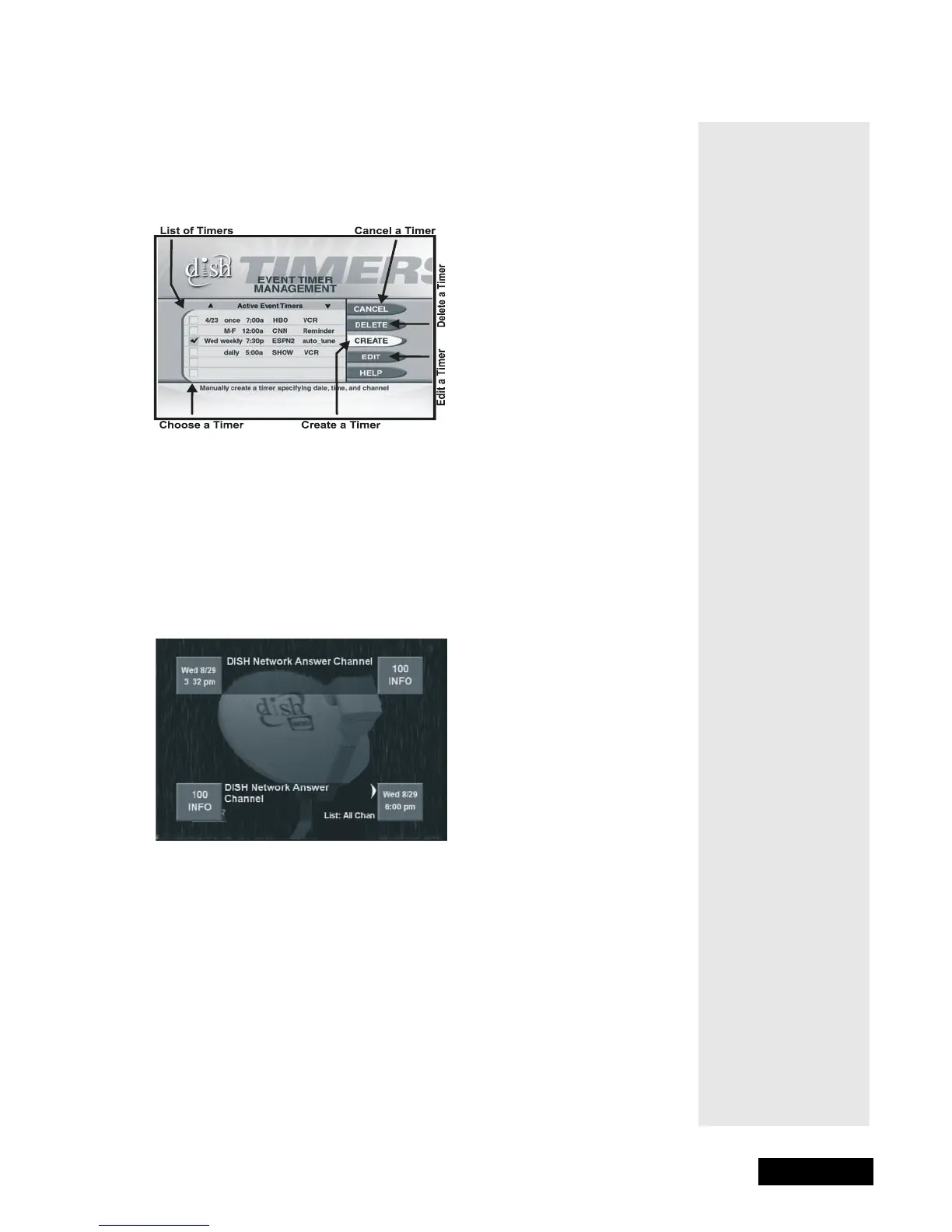
TIMER MENU
The Timers Menu allows you to set up the receiver to tune in and/or record a
future “event,” that is, a program.
THE BROWSE BANNER
You can use the Browse Banner to change channels, or to see what other
programs are available without changing the program that you are watching.
The receiver displays information on the program you are watching at the top
of the screen and Browse Banner information at the bottom of the screen.
Note: Your Browse Banner may look a bit different than the one
shown here.
Tip: This menu
lets you set
timers to remind
you when that
important
program is on. Or
you can set
timers to video-
tape events. See
page 40 for
complete details.



 To Next Page