lPage 21
Using the Remote Control
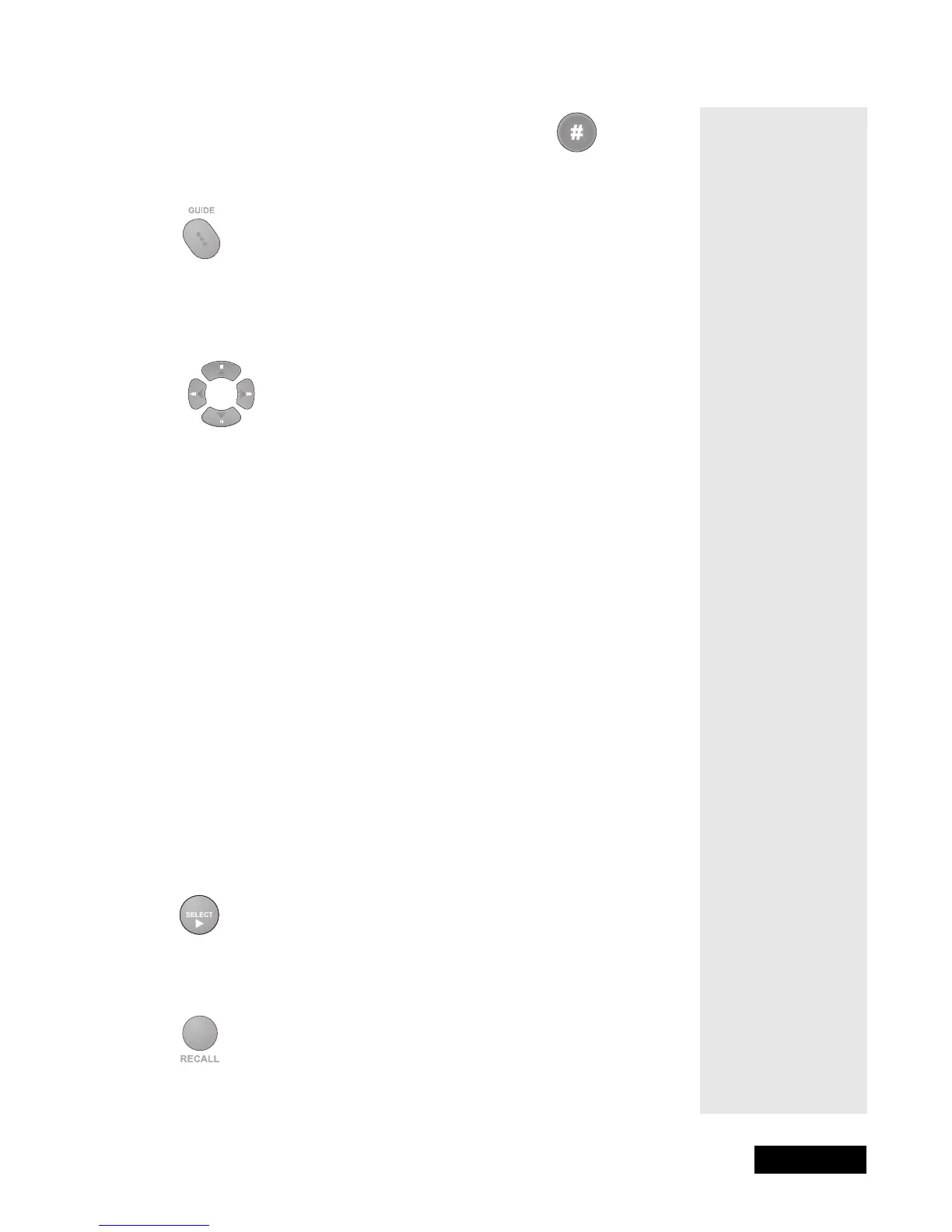
GUIDE BUTTON
Press this button to open the Program Guide. When the Program Guide
is open, press this button to switch among Favorite Lists.
UP/DOWN/LEFT/RIGHT (ARROW) BUTTONS
• When using a menu, press these buttons to move the highlight to an
option.
• When watching a program, press the Right button to open the
Browse
Banner
or the Up or Down button to change channels.
• When the Browse Banner is open, press the Up or Down button to see
the Browse Banner for the next channels.
Note: The Browse Banner, like the Program Guide, shows information
on programs in the future. It cannot show information on programs that
have ended.
• When a menu offers a list of choices, press the Up or Down button to
see more choices.
• When the Program Guide is open, press these buttons to move the
highlight among the programs.
• When the Browse Banner is open, press the Right or Left button to
obtain information on the next program that will be on that channel.
• When watching a program, press the Left button to open the Theme
Categories menu.
SELECT BUTTON
Press this button to select a highlighted option or program in a menu.
RECALL BUTTON
Press this button to return to the last channel you were watching. Press it
again to switch between the last two channels that you watched.
5.Press the Pound (#) button. The AUX mode
button backlight blinks three times.
Tip: The arrow
buttons can be
used to quickly
navigate through
menus and the
program guide.
When you find a
program or menu
option you would
like to access, just
press Select.



 To Next Page