Page 22
Chapter 3
Using the System
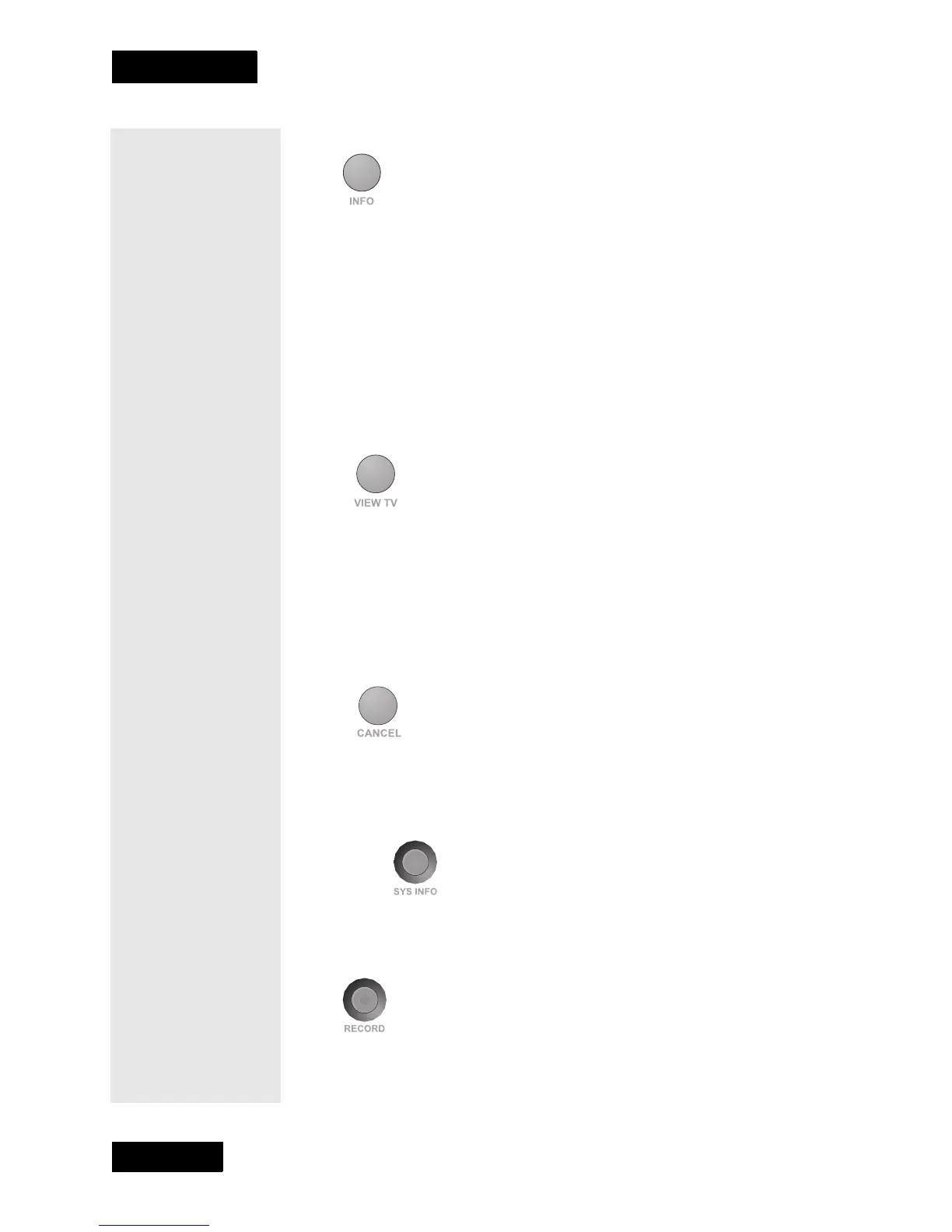
INFORMATION (INFO) BUTTON
Press this button for more information when the Program Guide or the
Browse Banner is open, or when watching a program.
• When a menu is open that includes a Help option, press this button
to see help information for that menu.
• Highlight a program in a Theme Categories list and then press
this button for more information on that program.
• When the receiver is OFF, press this button to open the Important
System Information menu.
VIEW TV BUTTON
Press this button to return to watching a program.
• If you are watching a program, press this button to briefly display
the Program Banner.
• While using any menu, press this button to cancel a procedure and
return to watching a program.
CANCEL BUTTON
Press this button to cancel a procedure and to return to the previous menu
or to watching a program.
SYSTEM INFORMATION BUTTON
Press this button to open the Important System Information menu.
RECORD BUTTON
Press this button to start recording a program on a VCR.
Tip: When you’re
in the Program
Guide, a Theme
Category or a
Favorites List use
the Information
button to get a
description of the
program, the
names of the
actors, and other
important details.



 To Next Page