Page 56
Chapter 3
Using the System
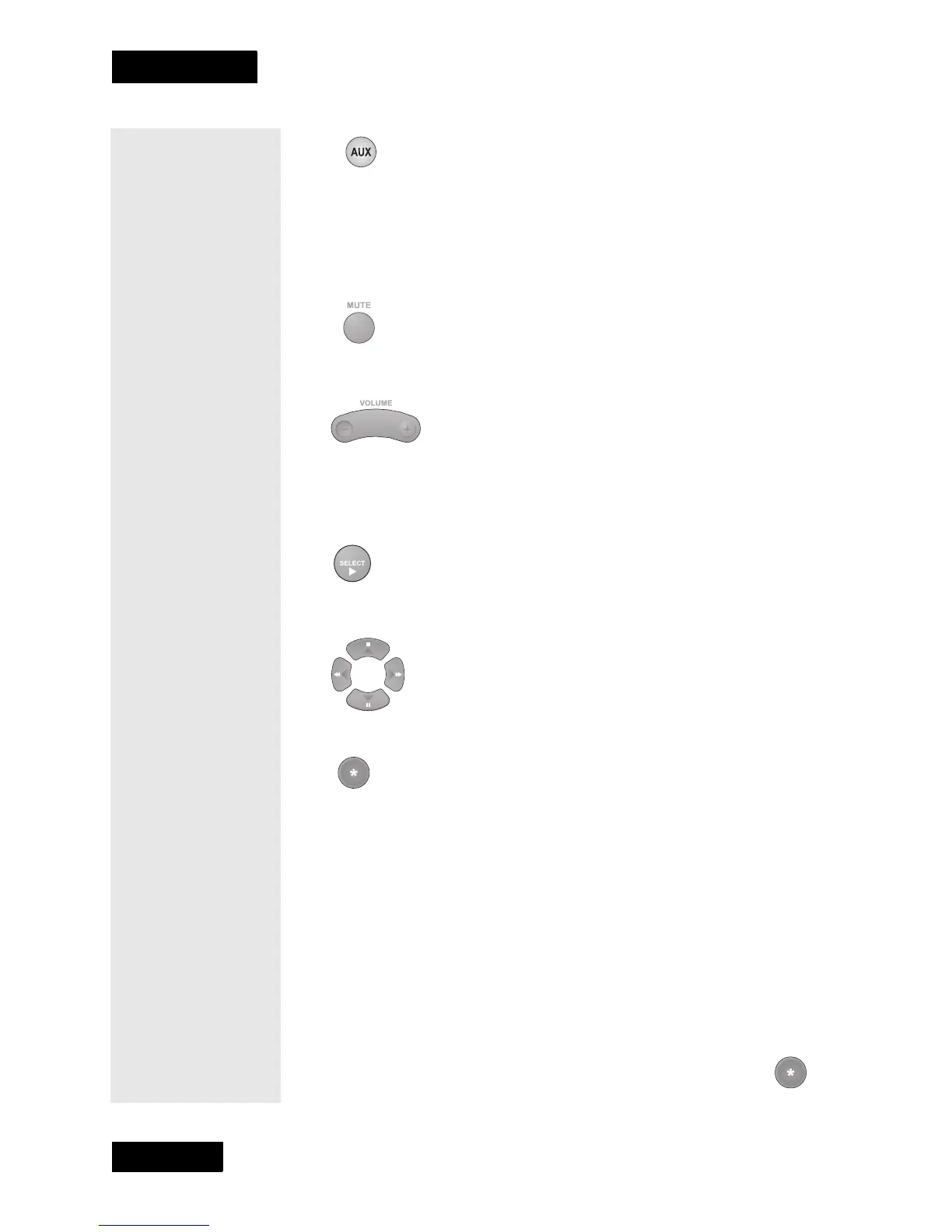
AUX MODE BUTTON
To use the remote to operate a tuner or amplifier, you must first set up the
remote to control the device, then you must press the AUX mode button to
set the remote to AUX mode. The AUX mode button’s backlight turns ON
to show that the remote is set to AUX mode. Make sure to keep the remote
in AUX mode to use the buttons as described in this section.
MUTE BUTTON
Press this button to turn off the sound. Press it again to restore the sound.
VOLUME BUTTON
Press the left-hand, minus (-) side of this button to lower the sound
volume. Press the right-hand, plus (+) side of this button to raise the sound
volume.
SELECT BUTTON
This button works as the Input Select button for a tuner or amplifier.
UP/DOWN (ARROW) BUTTONS
Use these buttons to change channels on the tuner or amplifier.
STAR BUTTON
10. Use this button to set up the remote control in AUX mode.
Scan for Device Codes
1. Use the device’s buttons or its remote control to turn it on.
2. Press and hold the mode button for the device, for about three
seconds. When all the other mode buttons light up, let go of the
button. For example, hold the TV button for a TV.
3. Only for the Aux mode, use the number buttons to enter 0 for a
second TV, 1 for a second VCR, or 2 for a tuner or amplifier. For
any other mode, skip to step 5.
4. Only for the Aux mode, press the Star (*) button. For any
other mode, skip to step 5.
Tip: You can scan
for device codes
as described at
the right, or look
up the device
codes for other
devices beginning
on page 105.



 To Next Page