Page 78
Installation Instructions
Chapter 4
13. Open the Main Menu and press 6-1-1 on the remote to again open
the Point Dish/Signal menu. Select Check Switch. The receiver
will check your multi-switch installation. After the system checks the
installation, you will see the Installation Summary screen. Make
sure that the correct switch is displayed and that you have “Satellite
reception verified” from both the 110 West and 119 West satellites.
14. At the Point Dish/Signal menu, select the 110 West option. Verify
that you have a green signal strength bar with a locked signal.
•If the signal from the 110 West satellite is weak and you do not see
a green signal strength bar, repeat step #8 to fine-tune the dish
until you have about the same signal strength for both the 119
West and 110 West satellites.
•If there is no signal strength on 110 West, check your connections
and select Check Switch again. If there is still no signal
strength, check to make sure your skew angle is correct, and start
over, beginning with step #1 until you have a good signal from
both the 110 West and 119 West satellites.
15. Connect any other receivers in the system, and then turn them off so
they can take the software upgrade.
FOR INSTALLING A LEGACY SYSTEM WITH A TWIN LNBF
Note: If you are installing a Legacy (non-Dishpro) LNBF (that does
not have a DishPro logo), you can have as much as 100 feet of cable
between the satellite dish’s LNBF connectors and the receiver, so
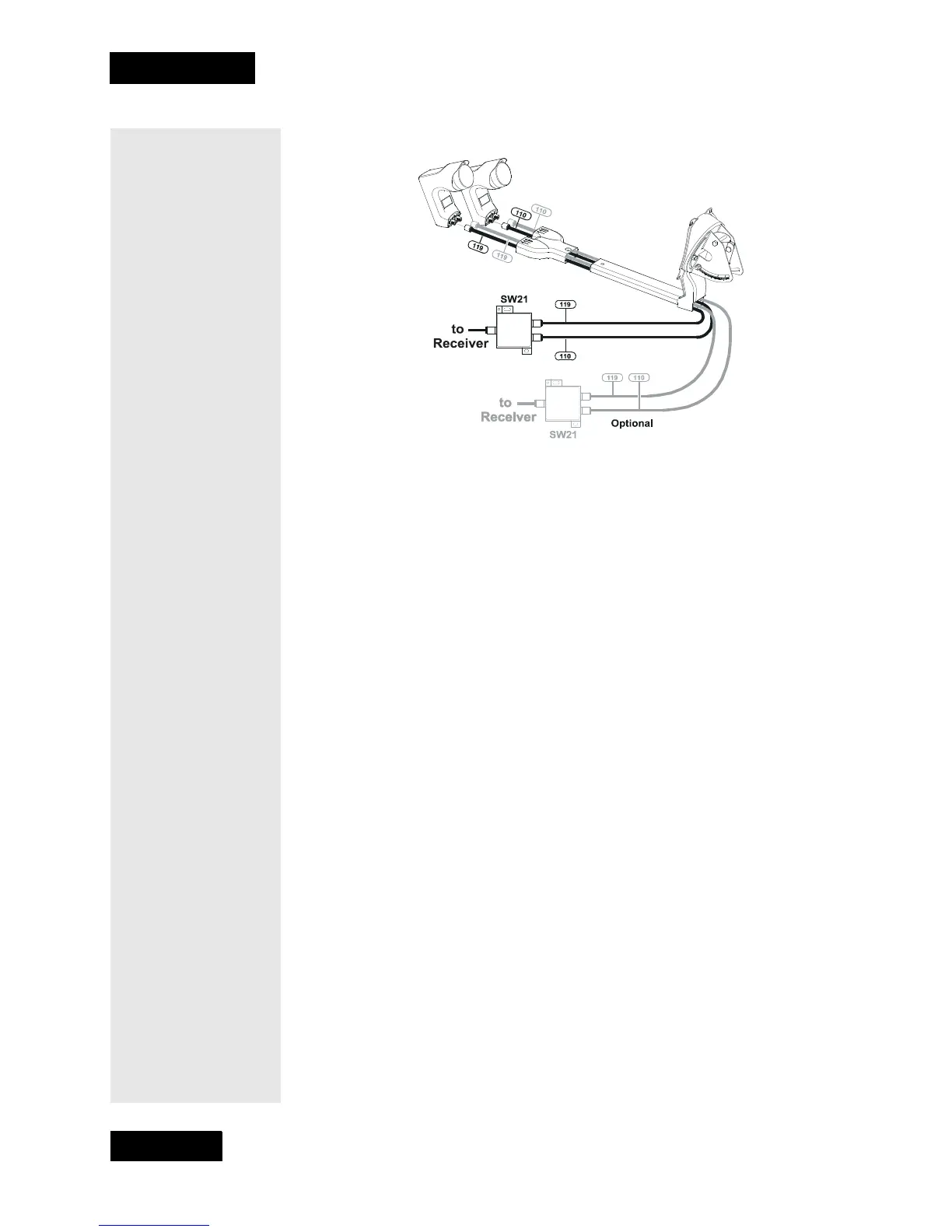
Two dual LNBFS and an SW21
multi-dish switch (second switch optional).



 To Next Page