PROGRAMMING P-SERIES
Page 31 of 78
the newly installed EPROM) shows on the display, the SBC software has been successfully
updated.
Note: To remove the EPROM after programming is complete, remove power to the vender,
ground yourself on the vender cabinet before removing the EPROM, remove the EPROM,
while still grounded install a label on the microprocessor showing the revision of software that is
installed in the SBC, power the vender back on and test for proper operation.
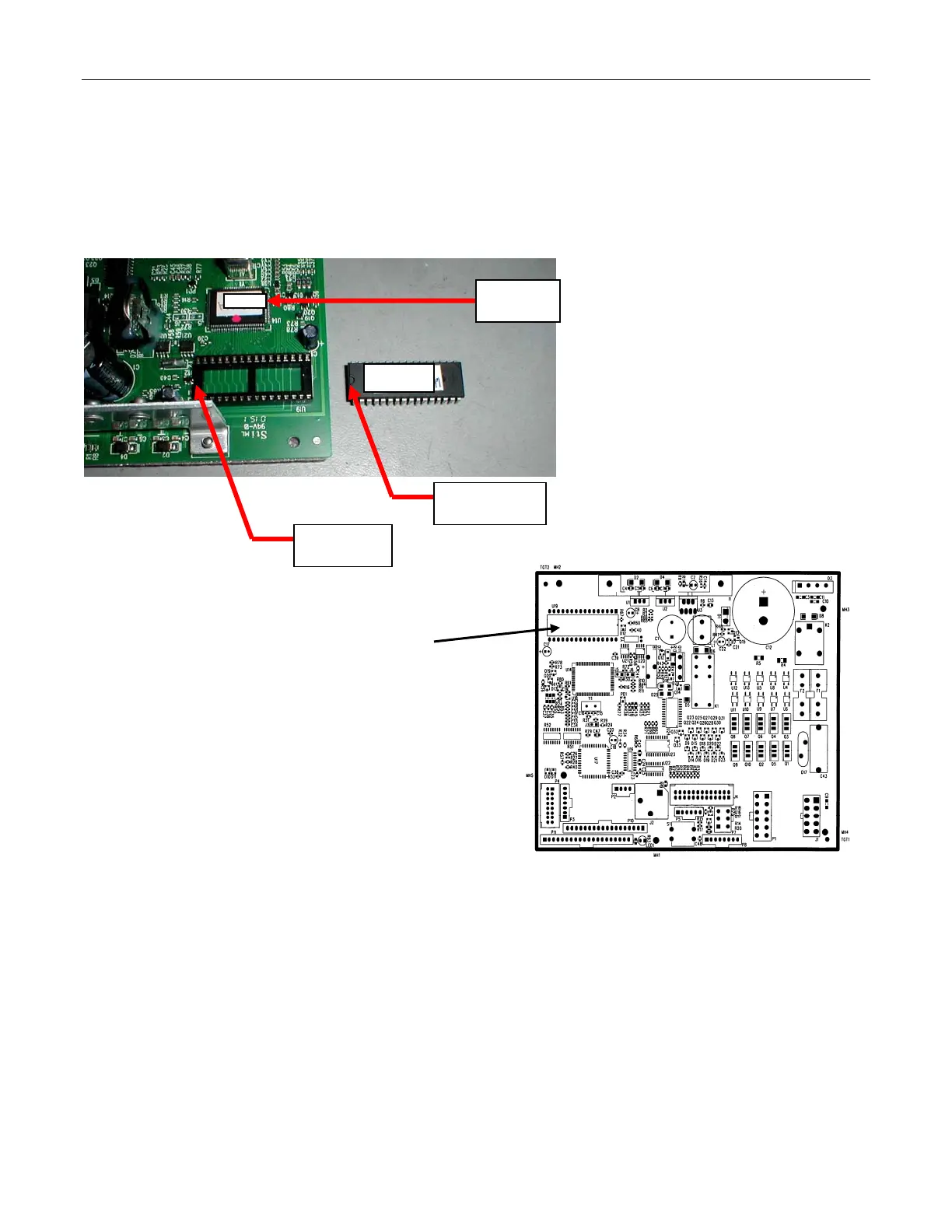
Figure 1
Figure 1 – EPROM REPLACEMENT
(SAMPLE BOARD SHOWN)
Locators
Locators
240.41 Label on microprocessor to show
what revision of software is in SBC
if EPROM is removed after
reprogramming.
870.01
870.01








 To Next Page