Changeable unit, suit for
different tubes
Display the setting and actual
parameters
Switch the input parameters or
programming
At parameter setting state, rotate
this knob can input values; After
setting, push it to start work. At
working state, short push to
pause; Long push to stop
working
Used for temperature calibration
Tab. 2
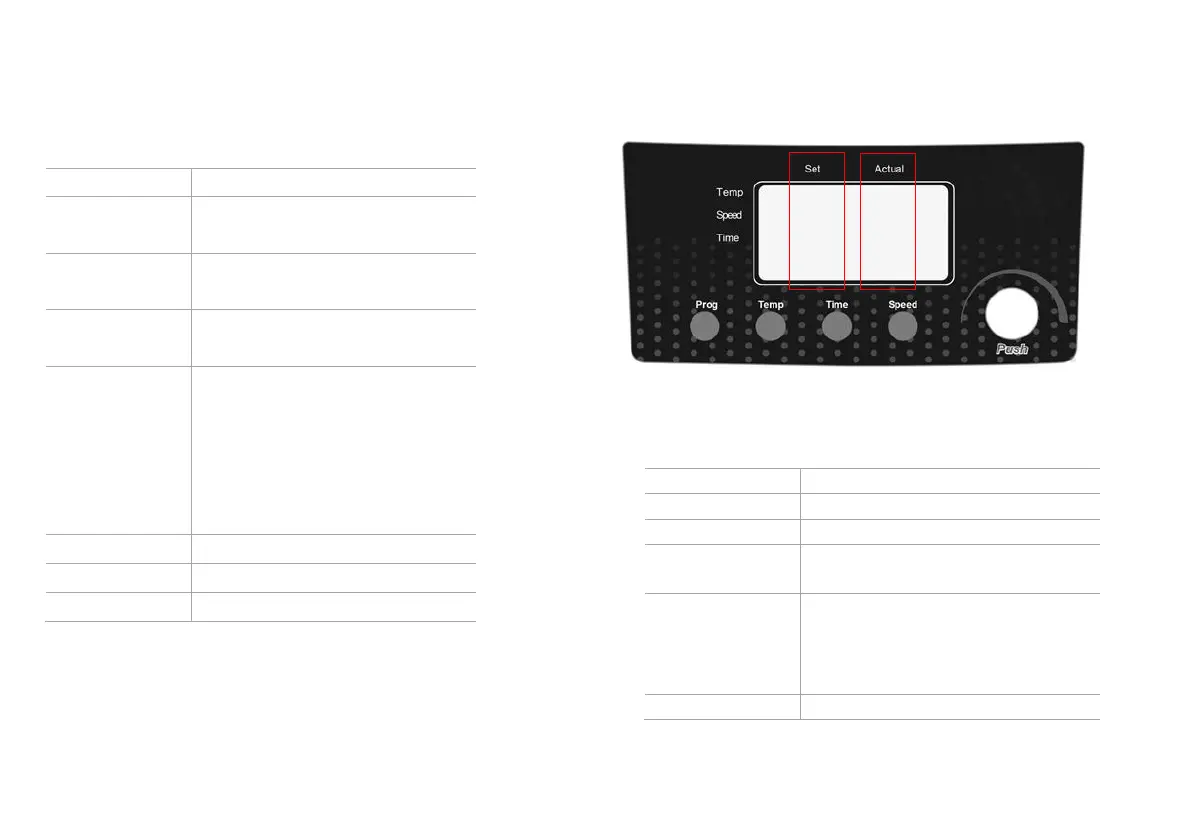
4.2 Display
Display the setting parameters
Display the actual parameters
Program button, used for
programming
Temperature setting button,
when press this button, the
temperature characters of the
setting area are flashing.
Time setting button, when press



 To Next Page