CM170407AMA
from other instruments.
7.6.1 CONFIGURATION
The ARINC 429 interface can be configured in “high speed” or “low speed” mode. The
option is in the Settings Menu. Refer to the Calibration and Adjustment manual for more
information.
7.6.2 DISPLAYING DATA COMING FROM THE ARINC 429 BUS
The function can be enabled by entering the Main Menu (SHIFT + 3) and selecting
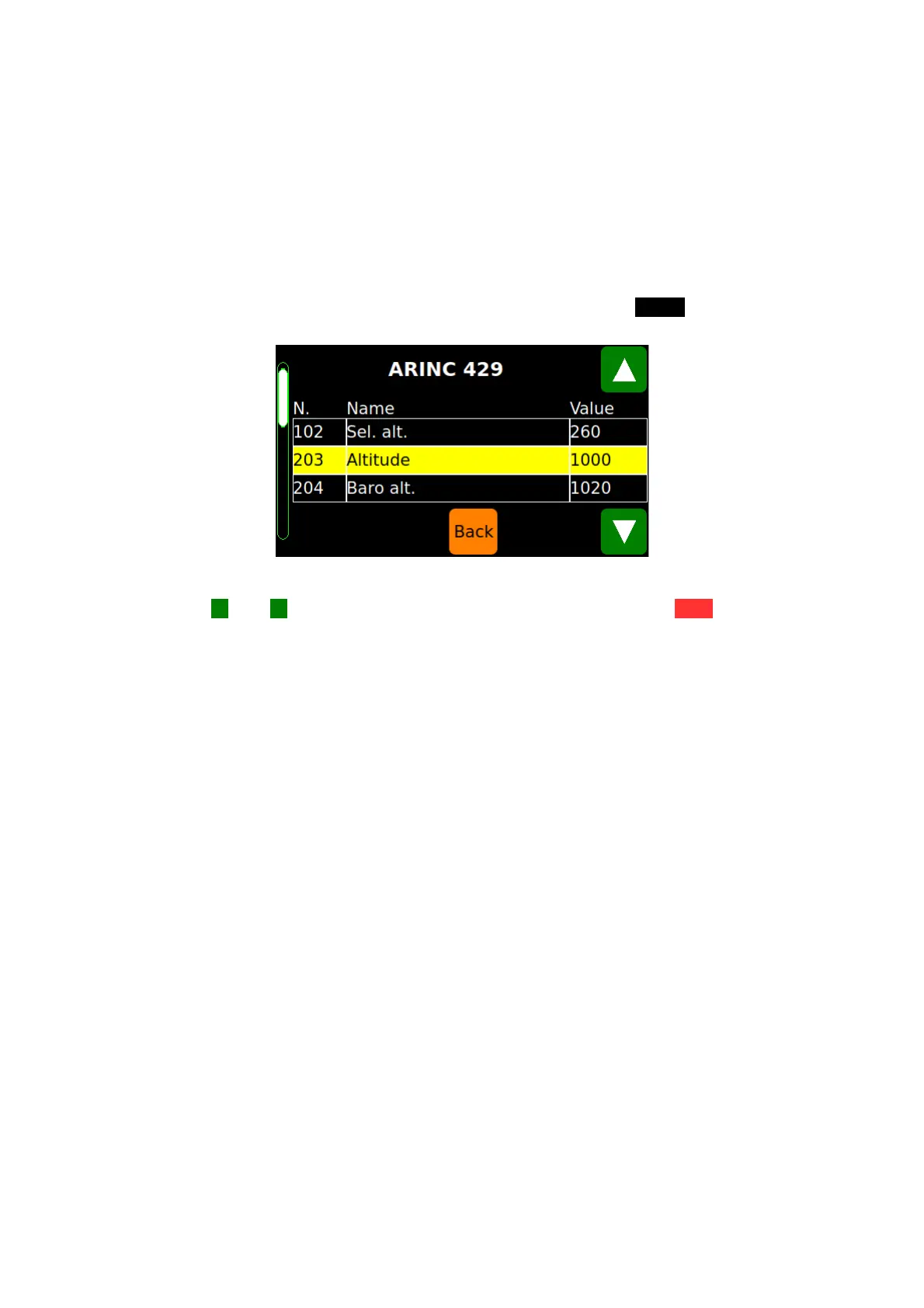
“Functions” and then “ARINC 429”. The display will show the ARINC Screen (FIG 14).
FIG 14 THE ARINC SCREEN
Use the ▲ and ▼ keys to browse the list Touch the orange button Back to return to the
Status Screen.
D.Marchiori Copyright 34


 To Next Page