CM170407AMA
the UUT. The Menu is closed with the Ok or Skip buttons;
3. a leak test is run if required. The Leak Results Screen (FIG 11) is displayed
afterwards, for 60 seconds. The Operator may dismiss the results' display before
the timeout is expired.
4. the results of the step are stored into the active profile results. The MPS49 switches
to the next profile step.
After the last profile step is executed, the MPS49 switches back to the Status Screen.
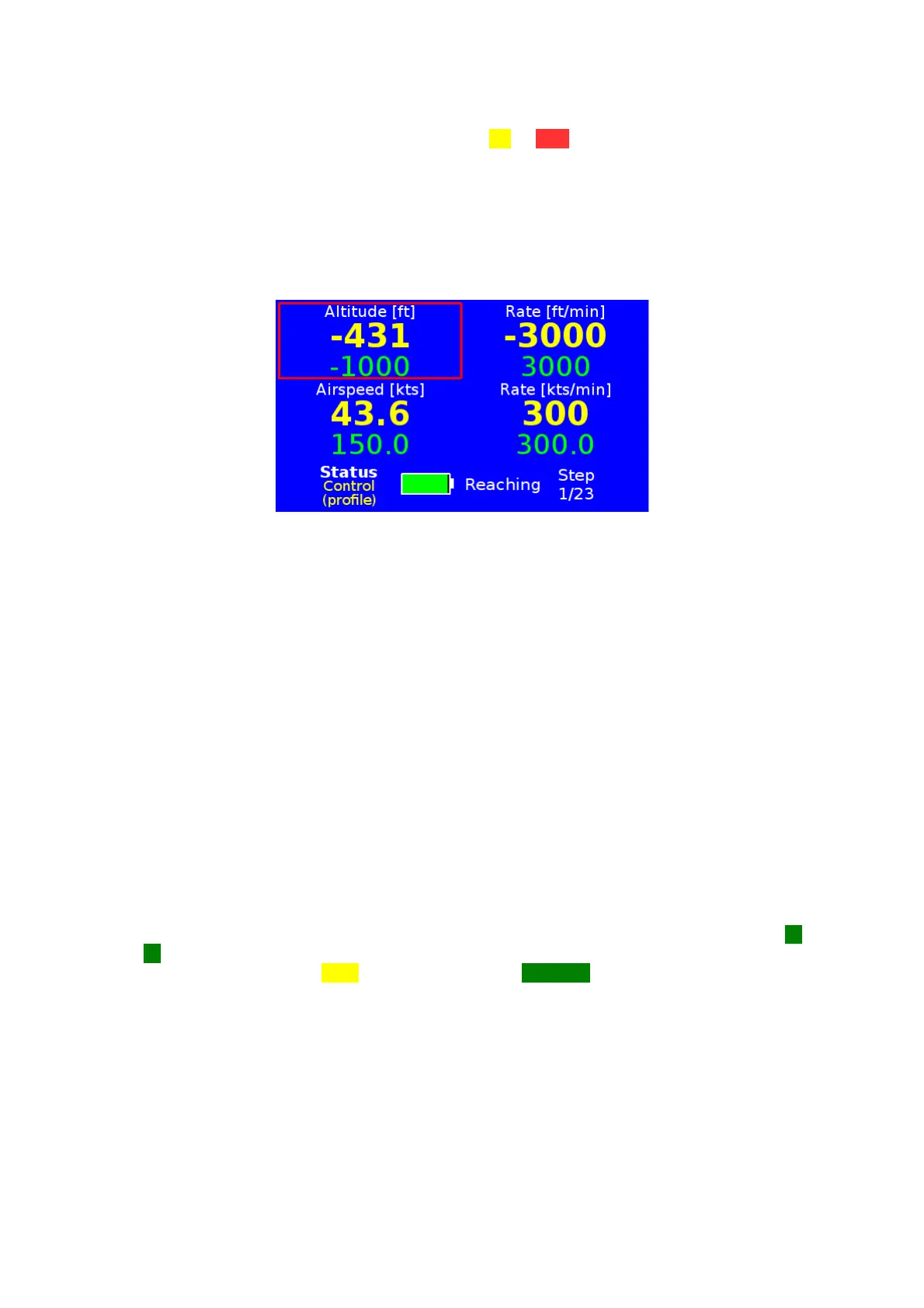
FIG 25 STATUS SCREEN WHILE RUNNING A TEST PROFILE
While the profile is running, touching any part of the display and pressing any key will show
the Profile Running Menu. That menu allows the Operator to:
• skip the current step;
• stop the profile;
• show intermediate results.
11.4 PROFILE RESULTS
As explained in chapter 11.1.1, the MPS49 can record the results of test profiles.
When a profile is completed, the results can be saved into the non-volatile memory of the
ADTS. Saved results can be reviewed on the MPS49 display, copied into a USB pen drive,
or downloaded to a PC.
The MPS49 prompts the Operator to save the results as soon as the test profile is
completed.
NOTE unsaved results are immediately lost.
Saved profile results are shown by selecting “Results” from the Profiles Menu, and
selecting the results to show. The Profile Results Screen (FIG 26) will appear. The ▲ and
▼ keys cycle through the steps. If the displayed step included a leak test, its results can be
seen by touching the Leak button. The button Spd / Ma selects between airspeed and
Mach values. The results of skipped profile steps are left blank.
D.Marchiori Copyright 45


 To Next Page