10
Scan Programs
Note: Internet radio mode use only, it is unique designed for you enjoying programs, each program play 30
seconds only and then turn to next.
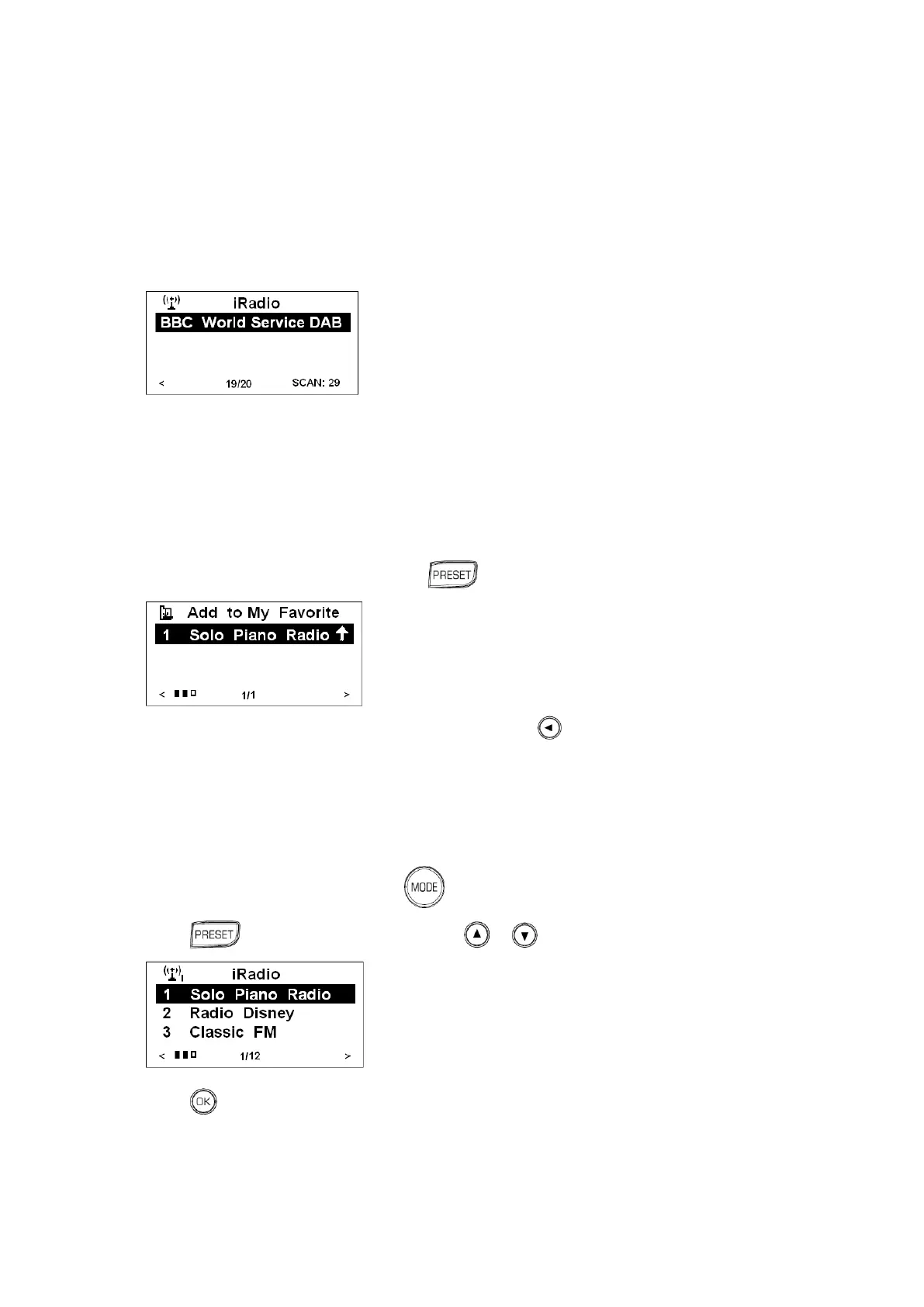
1. While your radio shows program lists or while playing a station program under internet radio mode,
press the SCAN button to activated scan programs function.
Setting Station Preset as My Favorite
This function is only limited to Internet program, to store the current station:
1. While playing a program, press and hold for 2 sec., until it says „Add to My Favorite‟.
2. To store another program, it can be reached by pressing back to station list, and then repeat
above step1 to store it.
Selecting a Favorite Station
1. If it isn‟t in Internet radio mode, press to convert to.
2. Press to your favorite, and then press or to browse.
3. Press to confirm to load that program, and it is done!



 To Next Page