16
Setting Clock
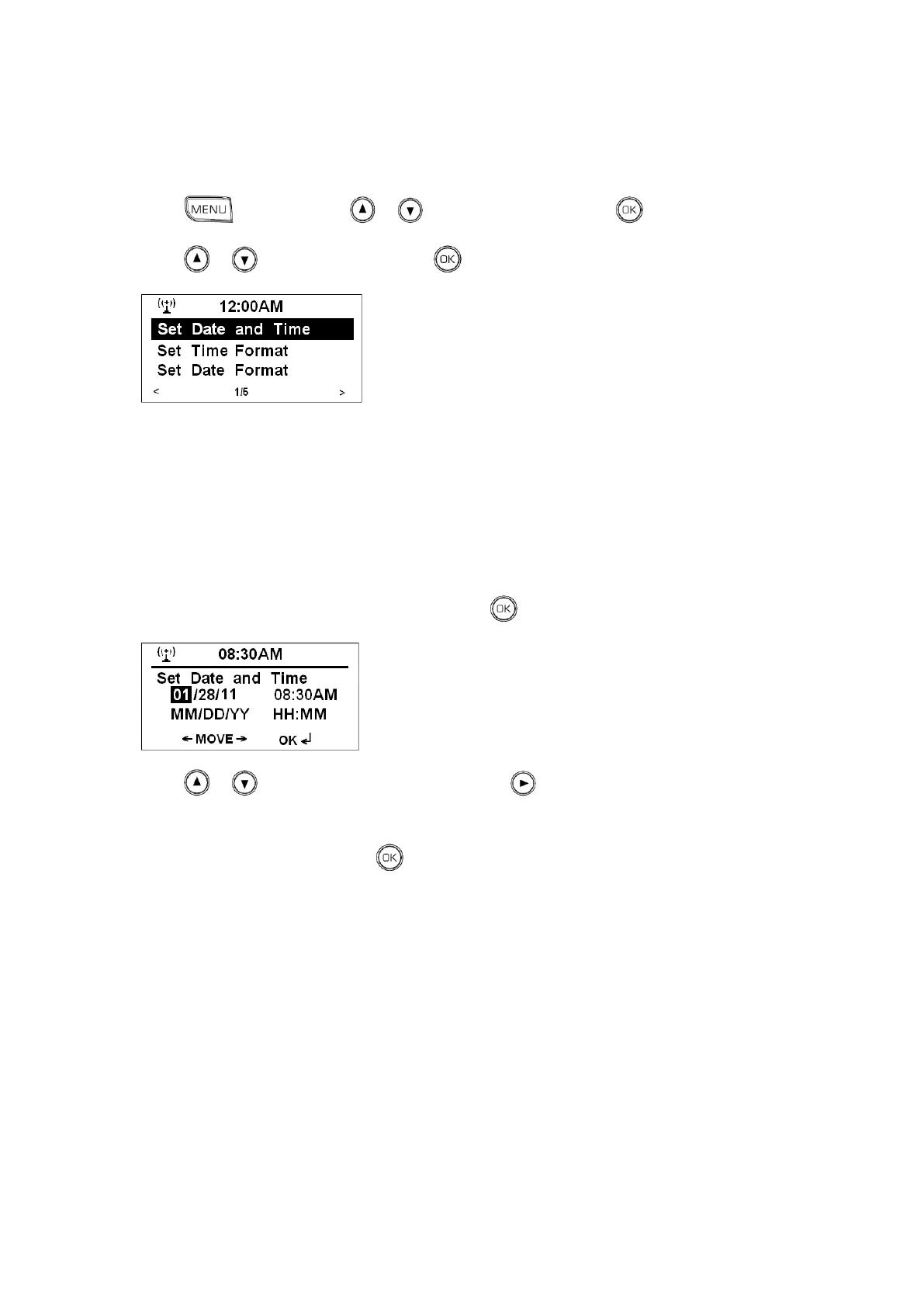
1. Press , and then press or to <Configuration>, press to confirm.
2. Press or to <Date &Time>, press to confirm.
Note: before you set Date and time, welcome to setting below items according to your personal preference.
a. Set Time Format
12/24 Hour
b. Set Date Format
1. YY/MM/DD 2. DD/MM/YY 3. MM/DD/YY
c. Daylight Saving Time (DST)
On/Off
d. View GMT time
3. While cursor point to <Set Date and Time>, press to confirm.
4. Press or to update the Month, and then press to choose update Date, using the same
method to set the Years, Hours and Minutes in turn.
5. After the setting is updated, press to confirm, and it is done!



 To Next Page