11
My mediaU
My mediaU enables your radio programs synchronization with the web, before execute this order, you
need below 4 steps:
1. Go to www.mediayou.net, click „join now‟ to create a new account.
Note: please save your registered „E-mail address‟ and „Password‟.
2. Using you registered account log in, click the column of „my mediaU‟, and then make a search
through Continent, Location, Genre or station name, add programs to „My Favorite Station‟,
„Favourite Location/Genre‟ and „My Local Station (City)‟, etc.
3. Click the column of „Device‟ on this web, and then input your radio device name, and Serial Number,
do not forget press Save button to save it.
Note: a. Device name, is depending on your favor, you can name it what are you like.
b. Serial Number is radio‟s Mac address, to obtain it, please refer to Page 3.
4. Turn off your radio, let it reconnecting to web is a must.
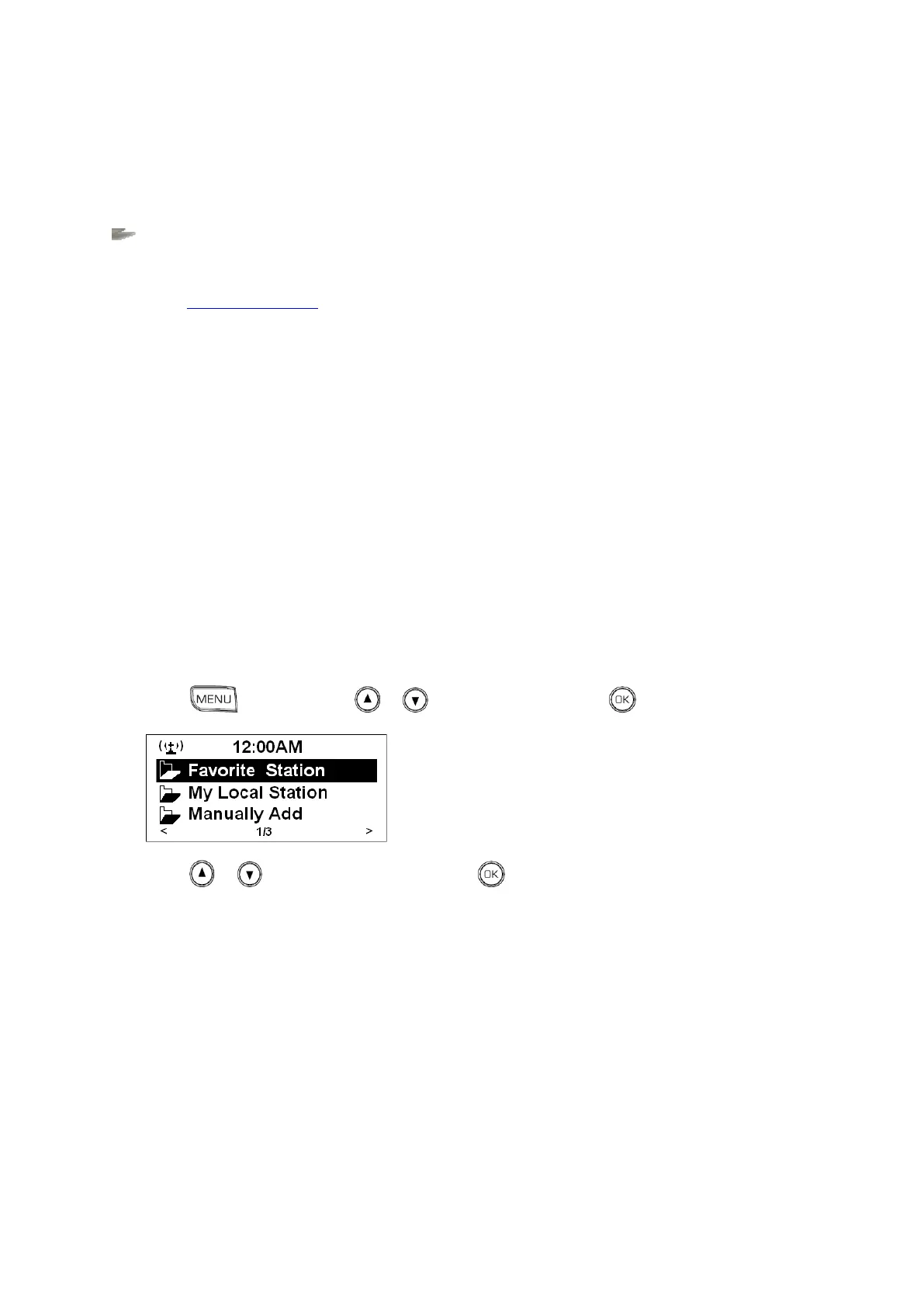
5. Press , and then press or to < My MediaU >, press to confirm.
6. Press or to your selecting option, press to confirm, and then step by step to your favor
program.



 To Next Page