19
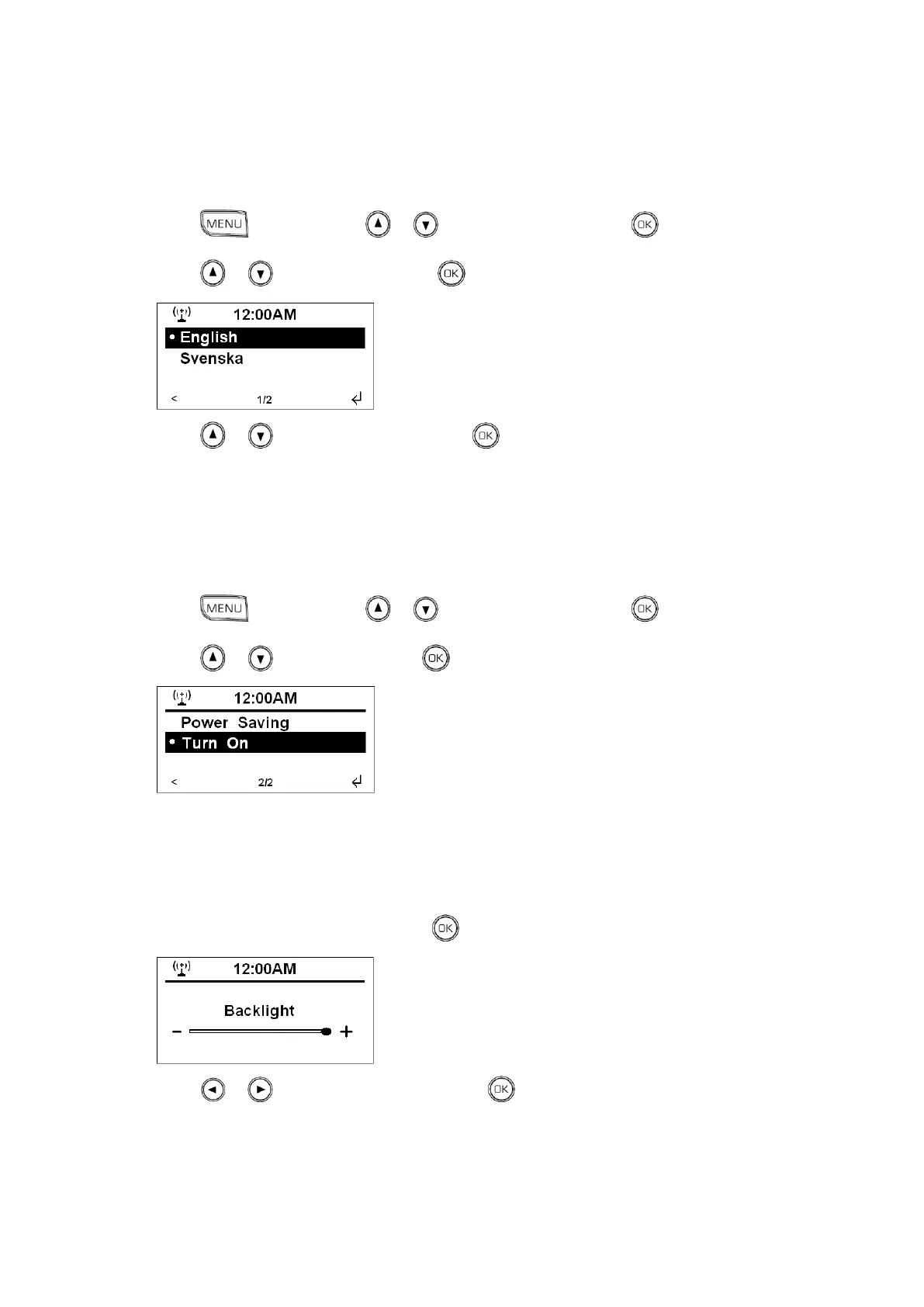
Language
1. Press , and then press or to <Configuration>, press to confirm.
2. Press or to <Language>, press to confirm.
3. Press or to your selecting one, press to confirm.
Dimmer
1. Press , and then press or to <Configuration>, press to confirm.
2. Press or to <Dimmer>, press to confirm.
Note: a. „Power Saving‟ means lower level of Dimmer, it will also use the least amount of power, energy
saving.
b. „Turn on‟ means a relatively higher Dimmer, let‟s take setting the „Turn on‟ for example.
3. While cursor point to <Turn On>, press to confirm.
4. Press or to adjust Backlight level, press to confirm.



 To Next Page