21
Weather
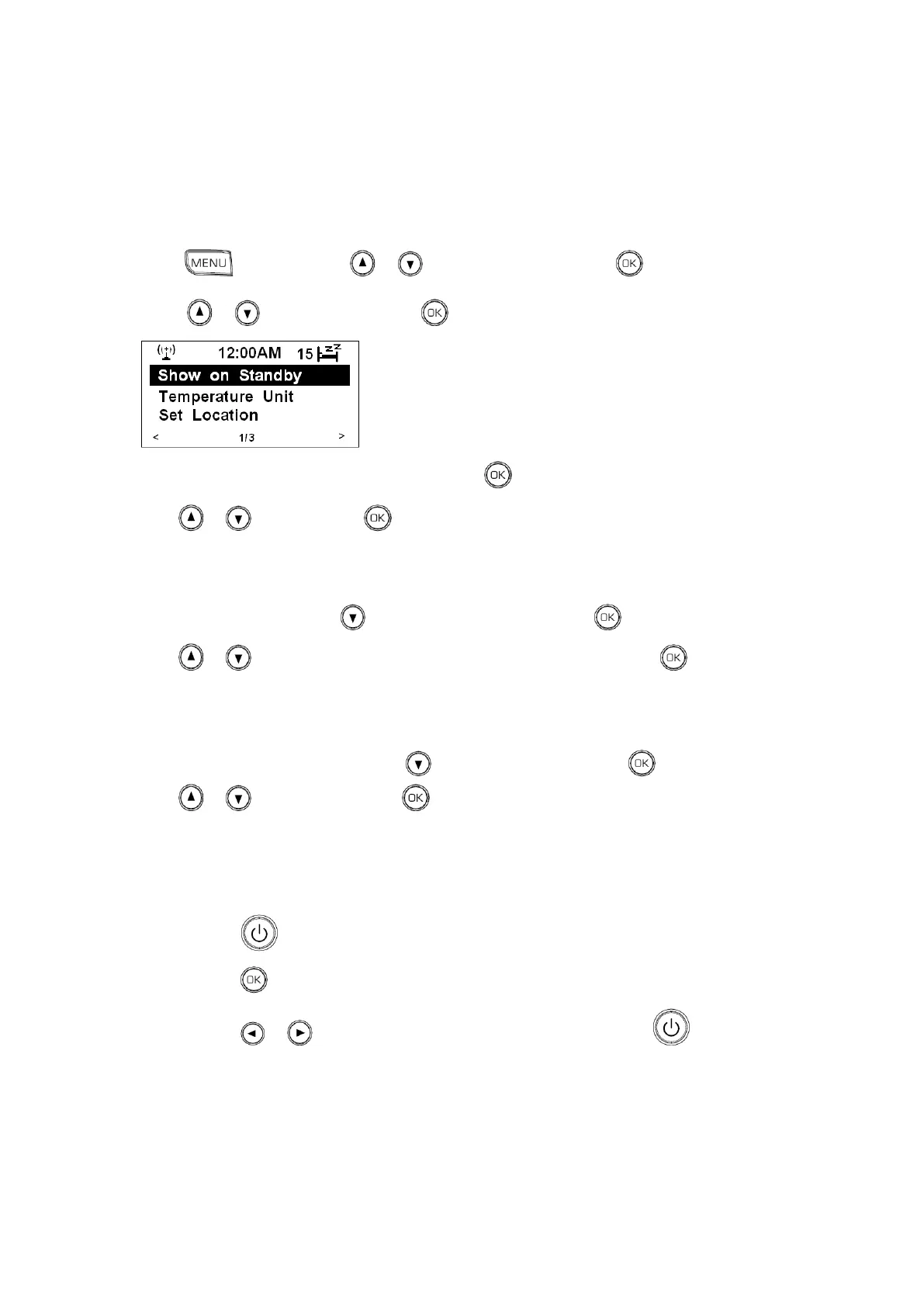
A. Set to ----------- Show on Standby
1. Press , and then press or to <Configuration>, press to confirm.
2. Press or to < Weather >, press to confirm.
3. While cursor point to <Show on Standby>, press to confirm.
4. Press or to <On>, press to confirm.
B. Set Temperature Unit
1. Continue above step4, press to < Temperature Unit >, press to confirm.
2. Press or to your preferred option: Centigrade or Fahrenheit, press to confirm.
C. Set Location
1. Continue above step2 of item B, press to < Set Location >, press to confirm.
2. Press or to your region, press to confirm, and then step by step to your local place, you
will get it!
D. How to browse weather-----------three steps:
a. Press to enter standby mode.
b. Press to show.
c. Press or to browse from consecutive 5 days, finally, press to over it.



 To Next Page