20
Sleep Timer
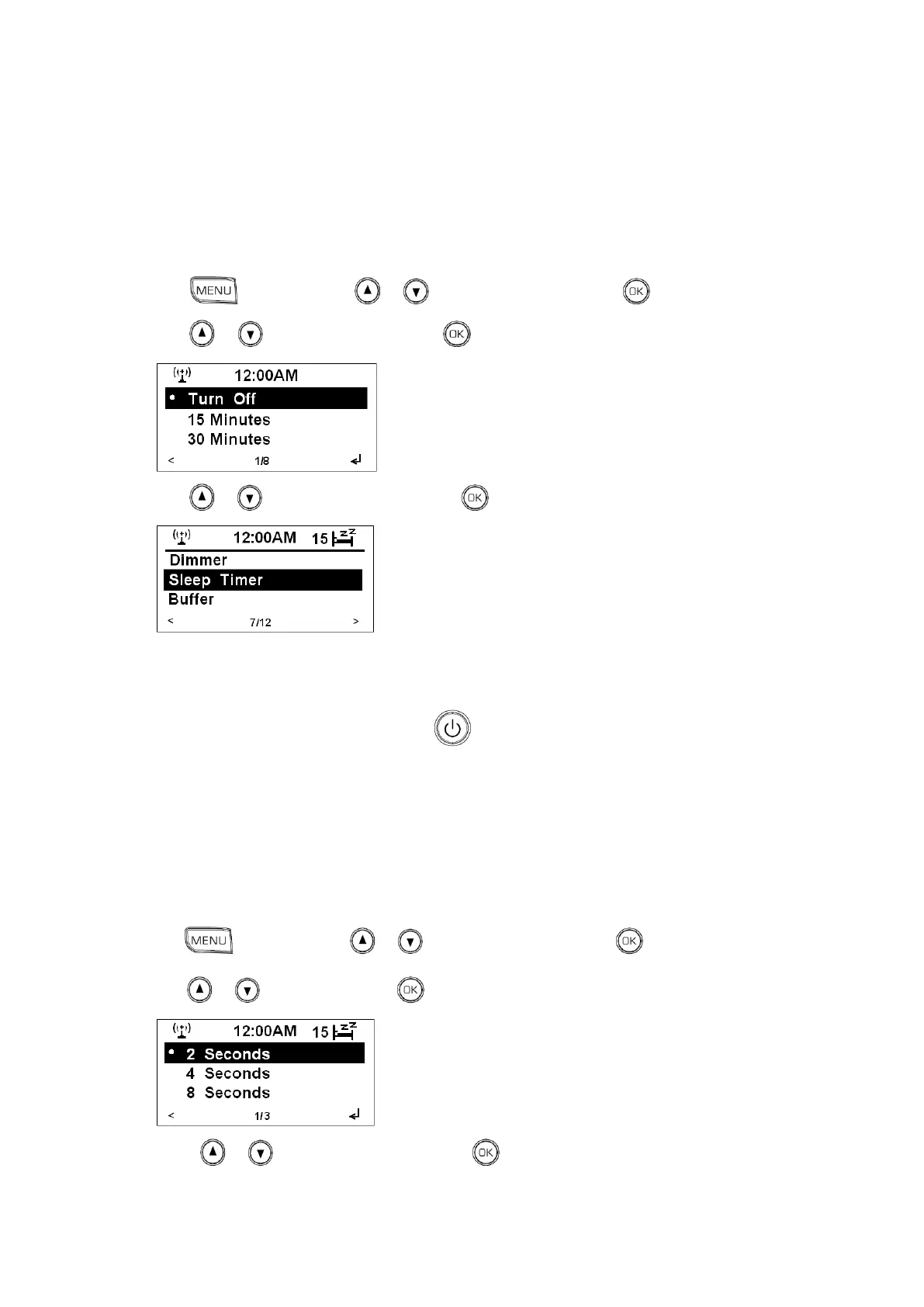
Note: you might want your radio turn it off automatically after a certain time, you can do it through set sleep timer.
Except press the SLEEP button repeatedly to directly set it, you also can follow below steps:
1. Press , and then press or to <Configuration>, press to confirm.
2. Press or to <Sleep Timer>, press to confirm.
3. Press or to your selecting one, press to confirm, the sleep icon shows up.
4. Radio will automatically run into standby mode after the pre-defined period of time has elapsed.
5. To continue enjoying your program, press .
Buffer
Note: recommend to choose longer buffering time in case you found there is weak signal.
1. Press , and then press or to <Configuration>, press to confirm.
2. Press or to <Buffer>, press to confirm.
3. Press or to your selecting one, press to confirm, it is done!



 To Next Page